content list
● PROBLEM & CONTEXT
● RESEARCH BREAKDOWN
● IDEATION & INITIAL CONCEPTS
● DESIGN DEVELOPMENT PROCESS
● THE PRODUCT OUTCOME
● FUTURE OPPORTUNITIES & CONSIDERATIONS
PROBlem & context
research breakdown
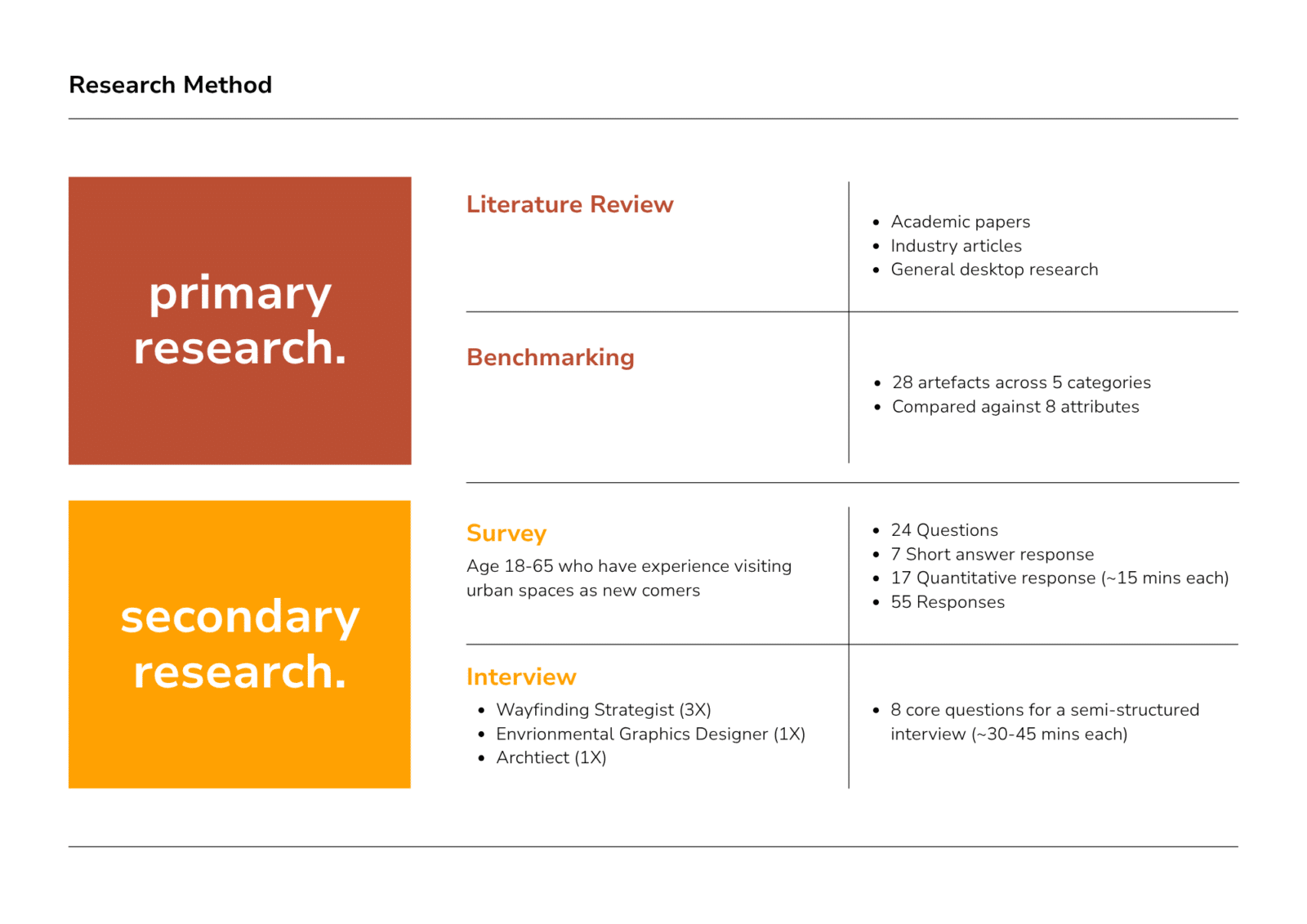
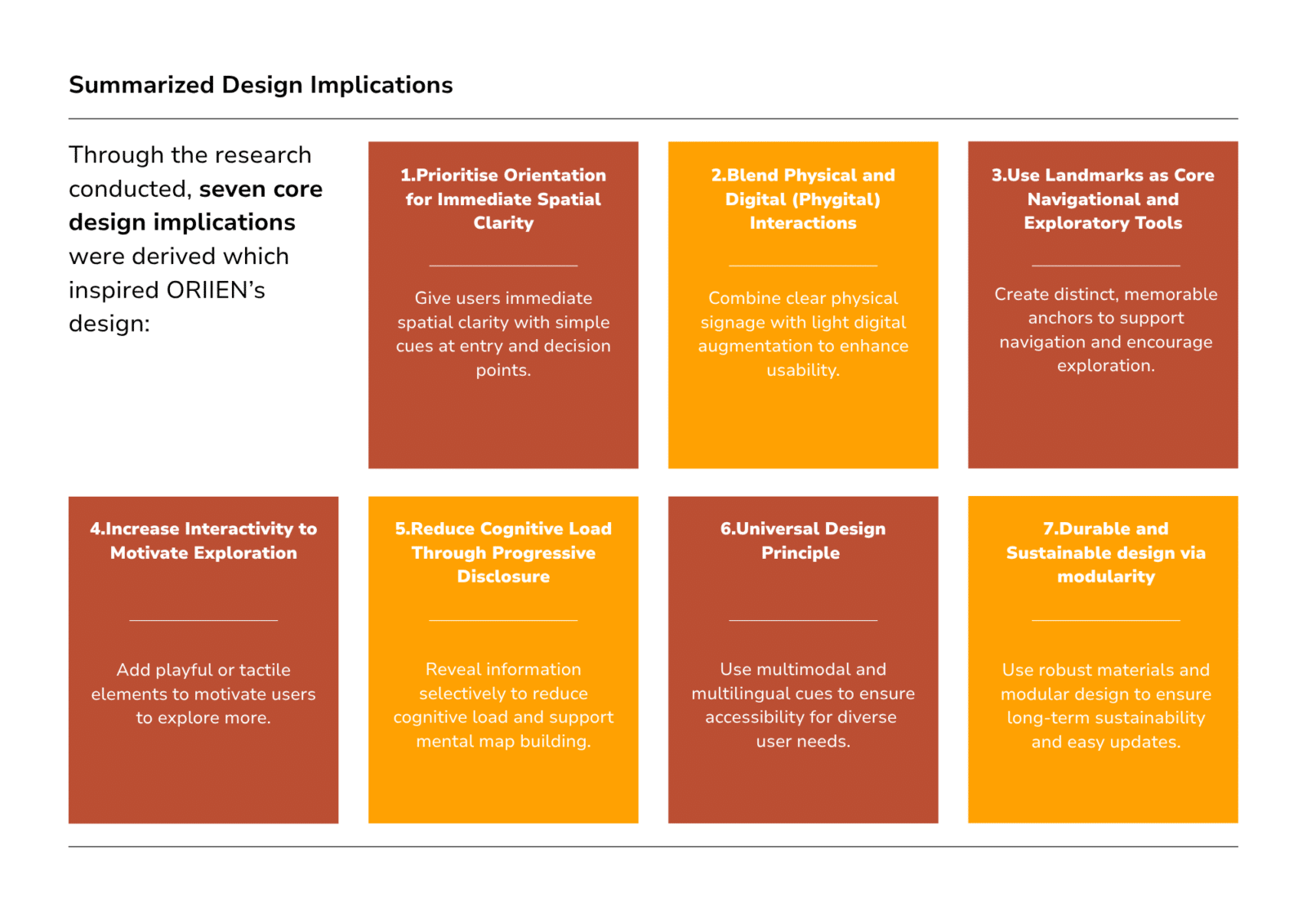
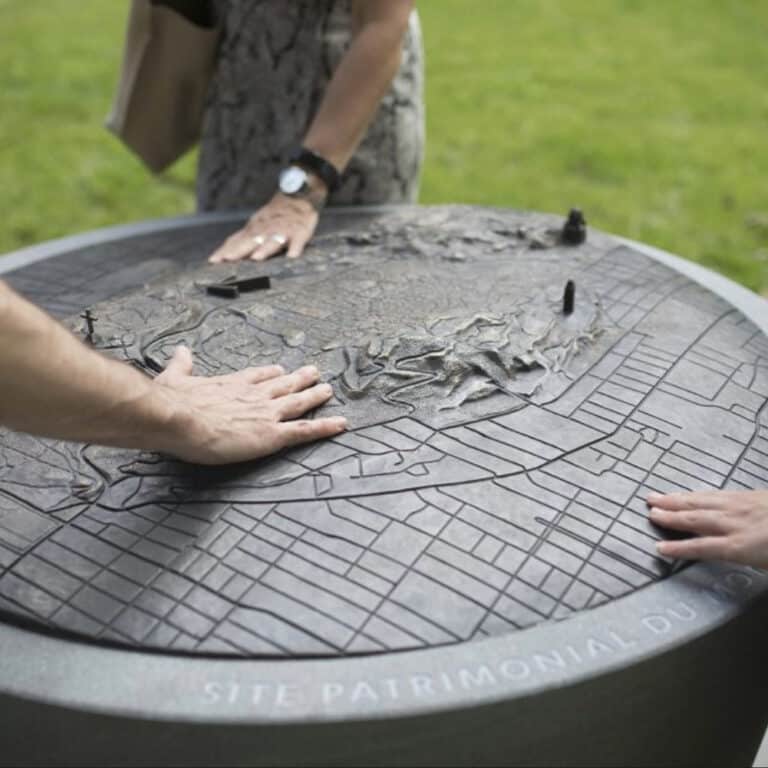
Survey and interview findings revealed destination direction (41.8%) and orientation (40.0%) as the highest-priority information needs. Together with respondents’ reliance on landmarks as key navigational cues (58.2%) and interest in interactive exploration
(51%), these insights informed ORIIEN’s final design outcome.
People try to make sense of their surroundings all the time for safety, for navigational purposes. It’s the first thing that any human does to kind of try to understand where they are.
wayfinding designer at dotdash
- Name
- Complete Research Report
- File Type
- application
- File Size
- 1 B
- Link
- Download File
ideation & initial concepts
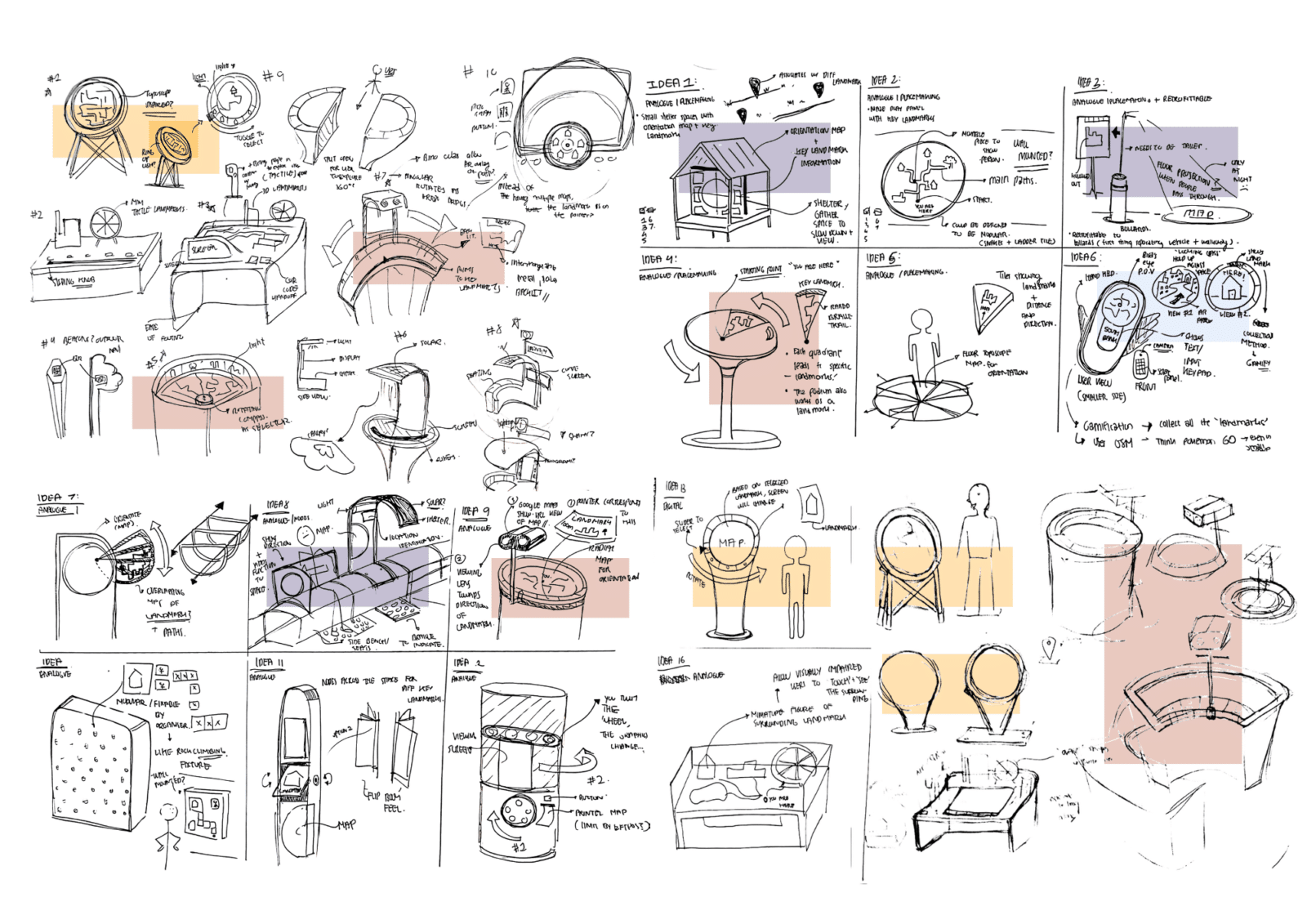
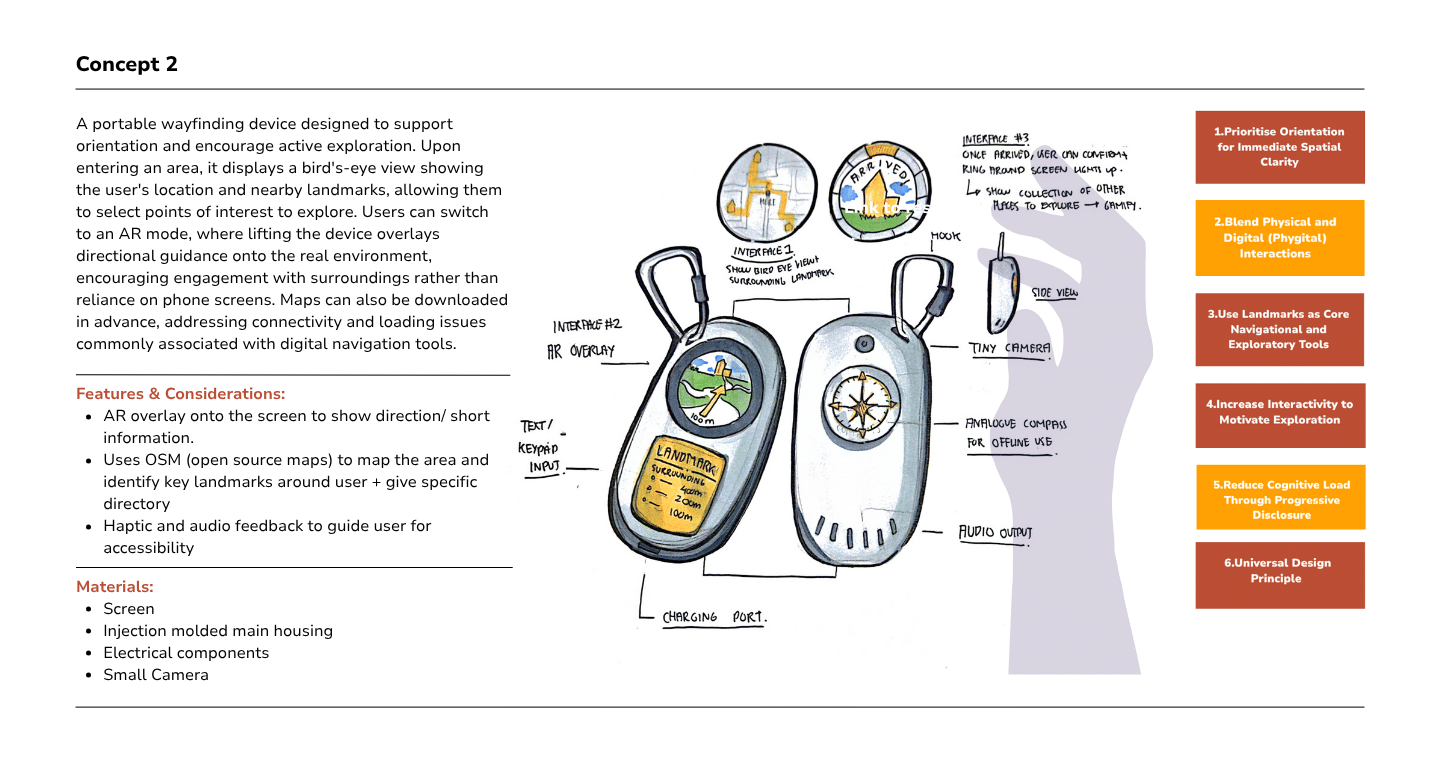
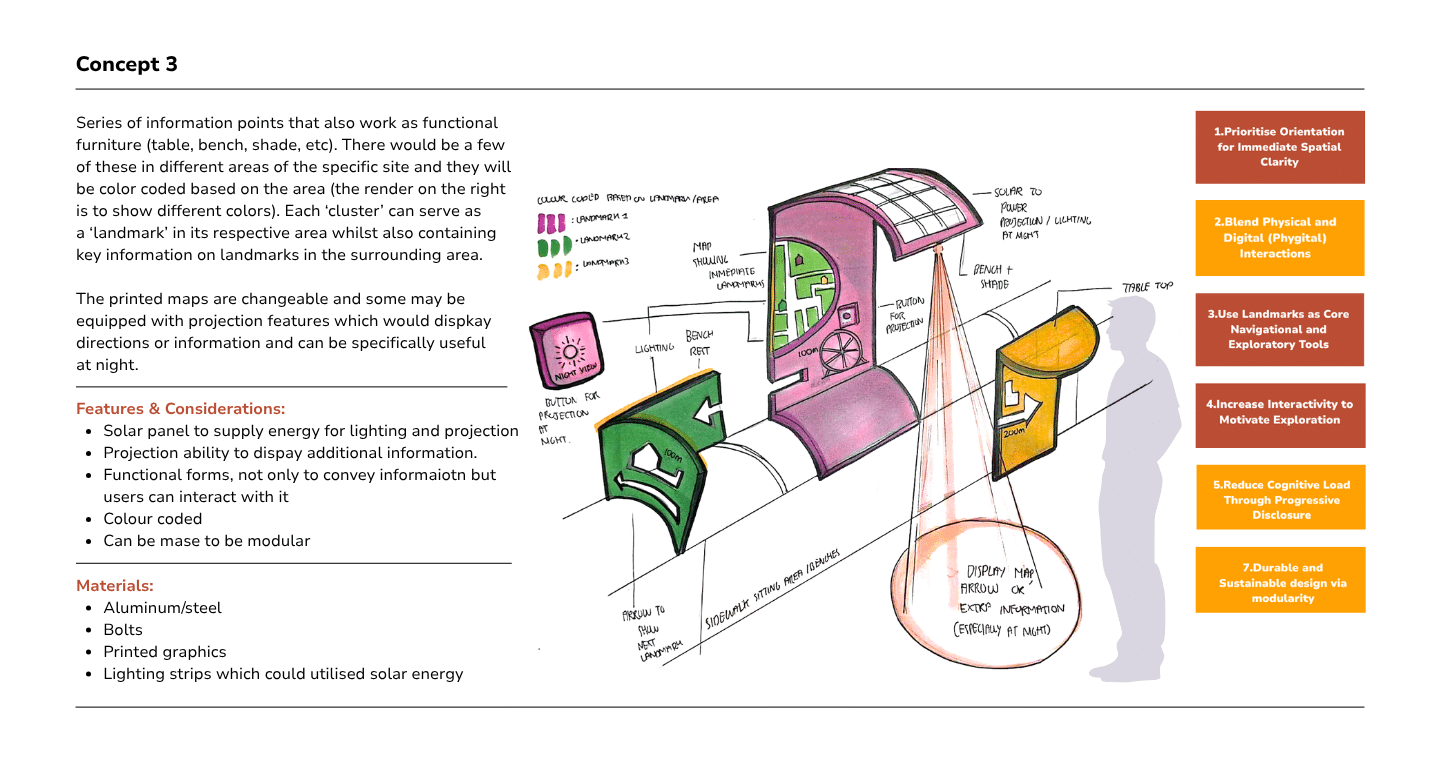
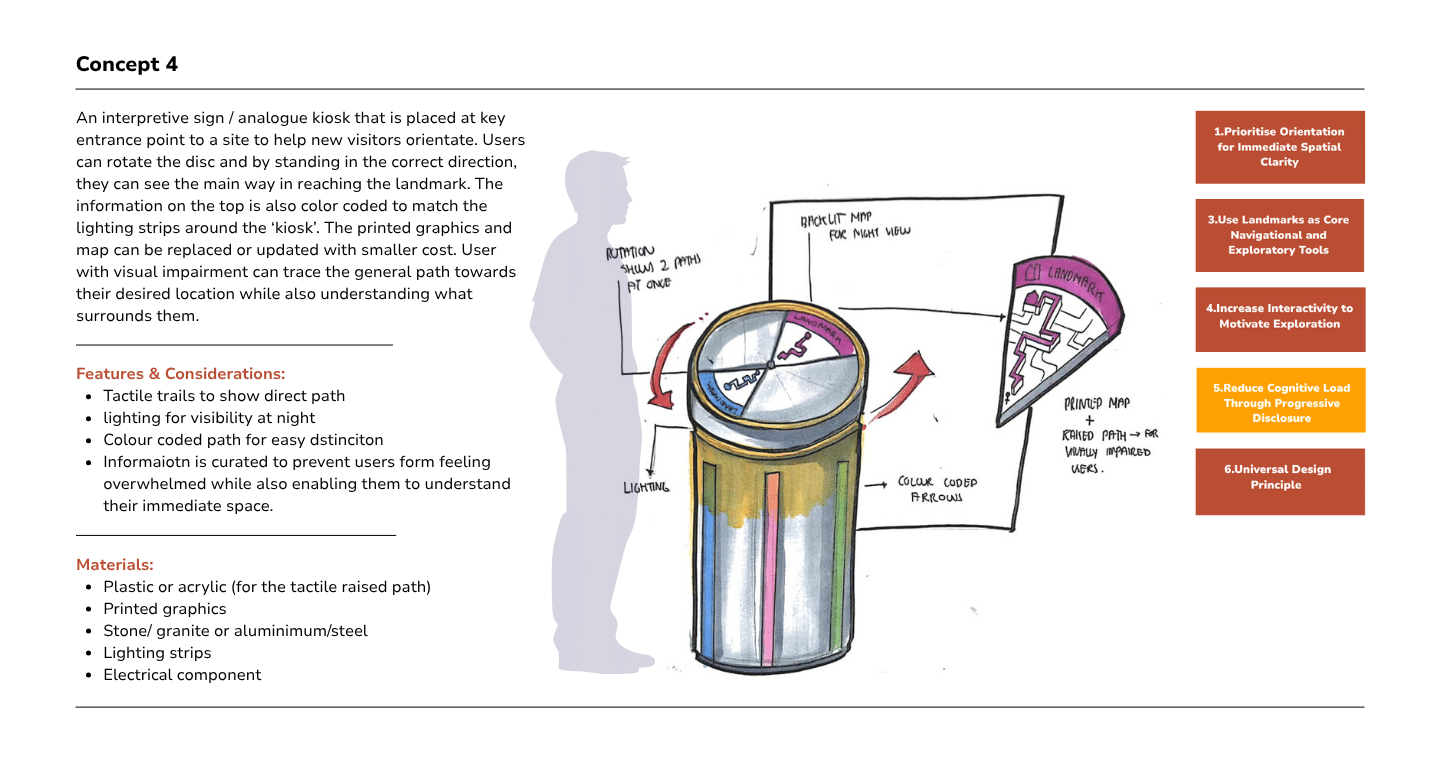
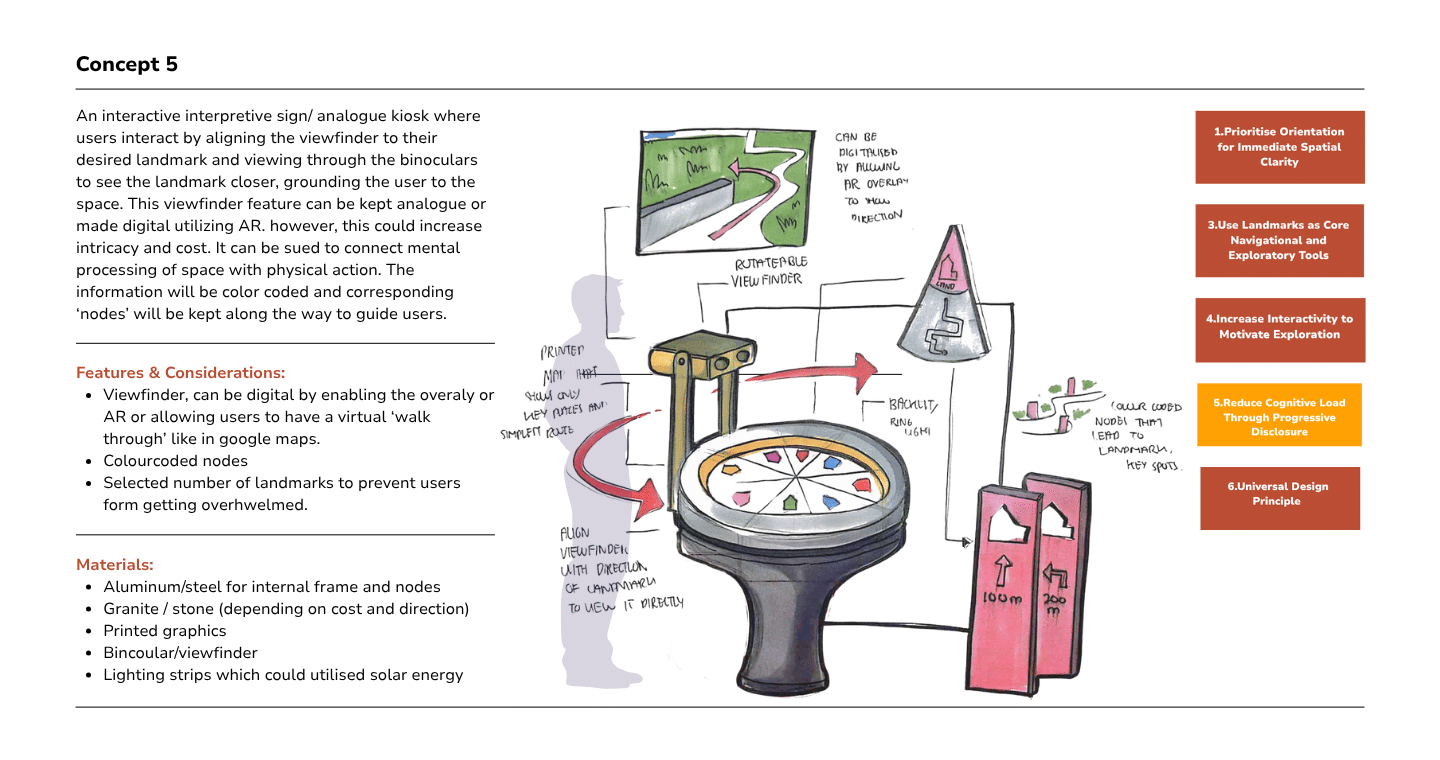
Concept 5 was the chosen design direction and was further developed through prototyping and iterations.
design development process
prototyping & iteration
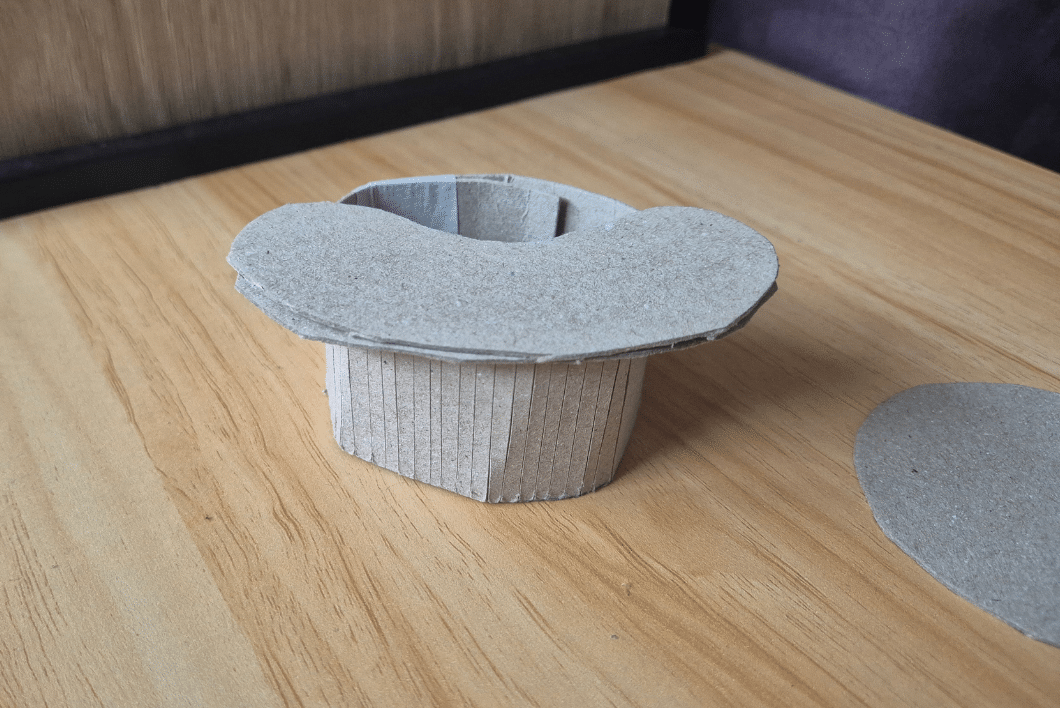
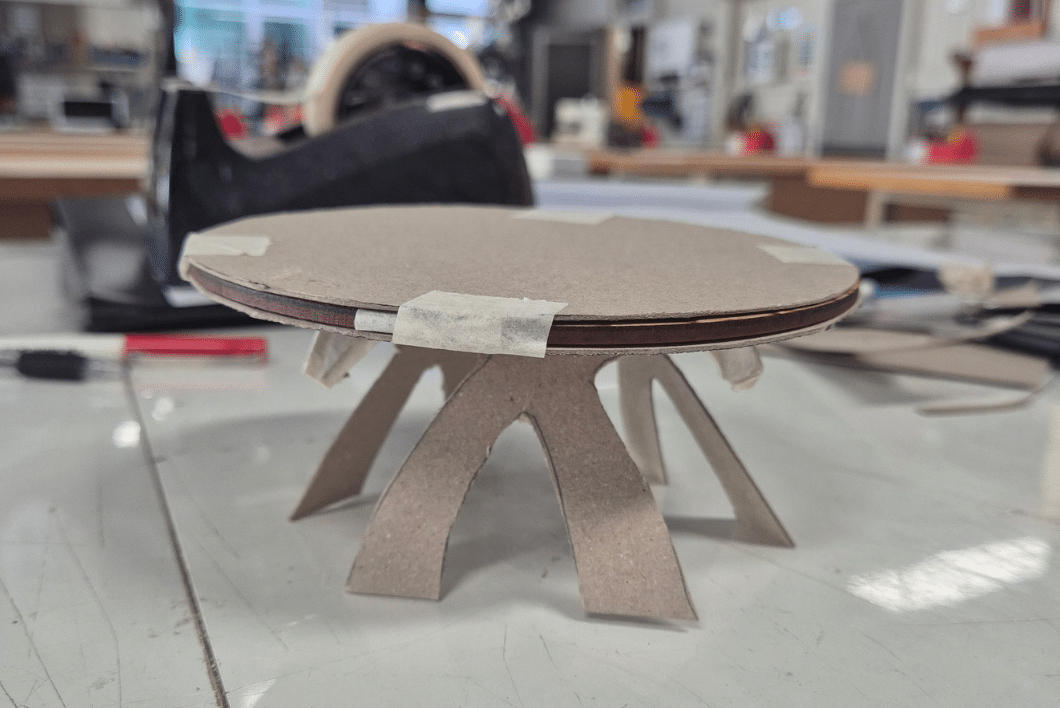
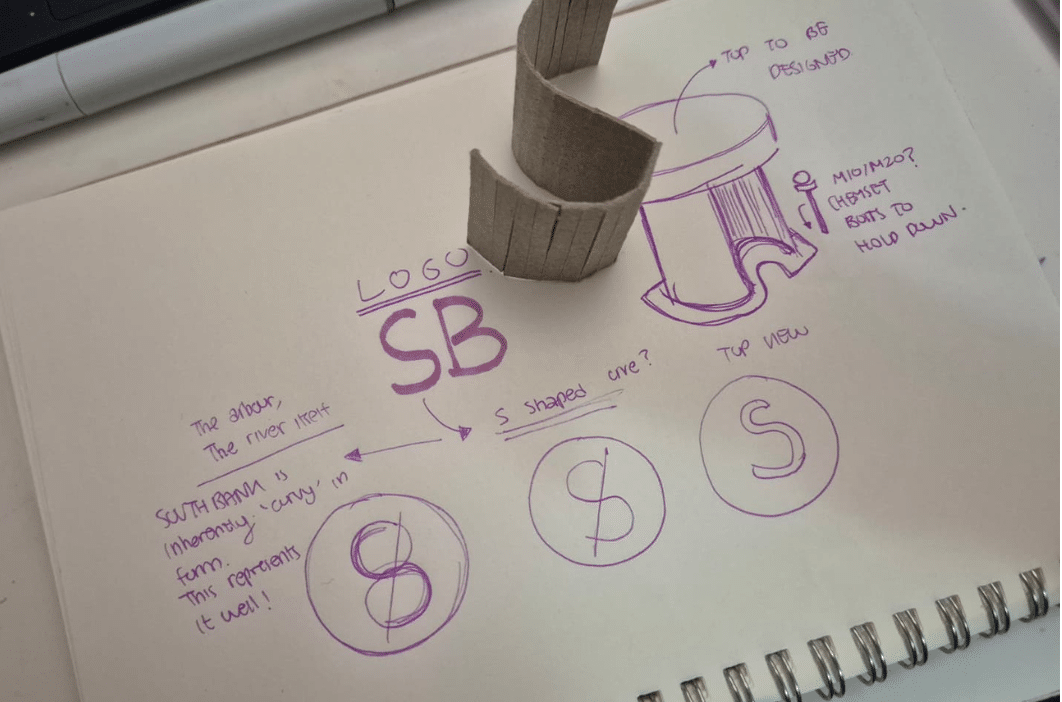
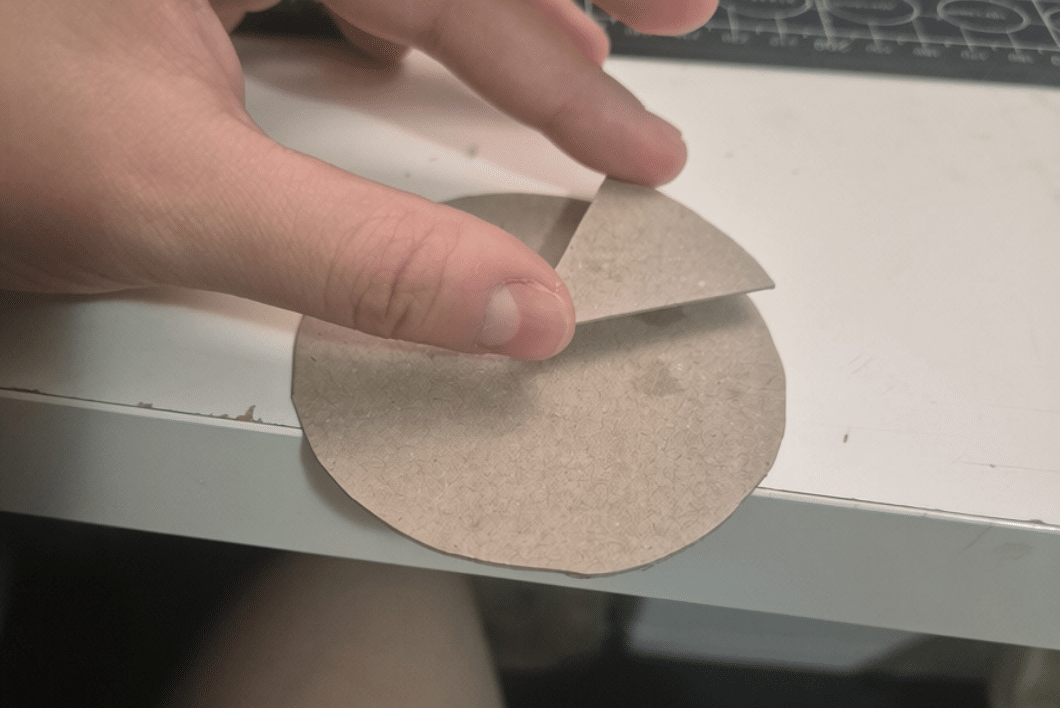
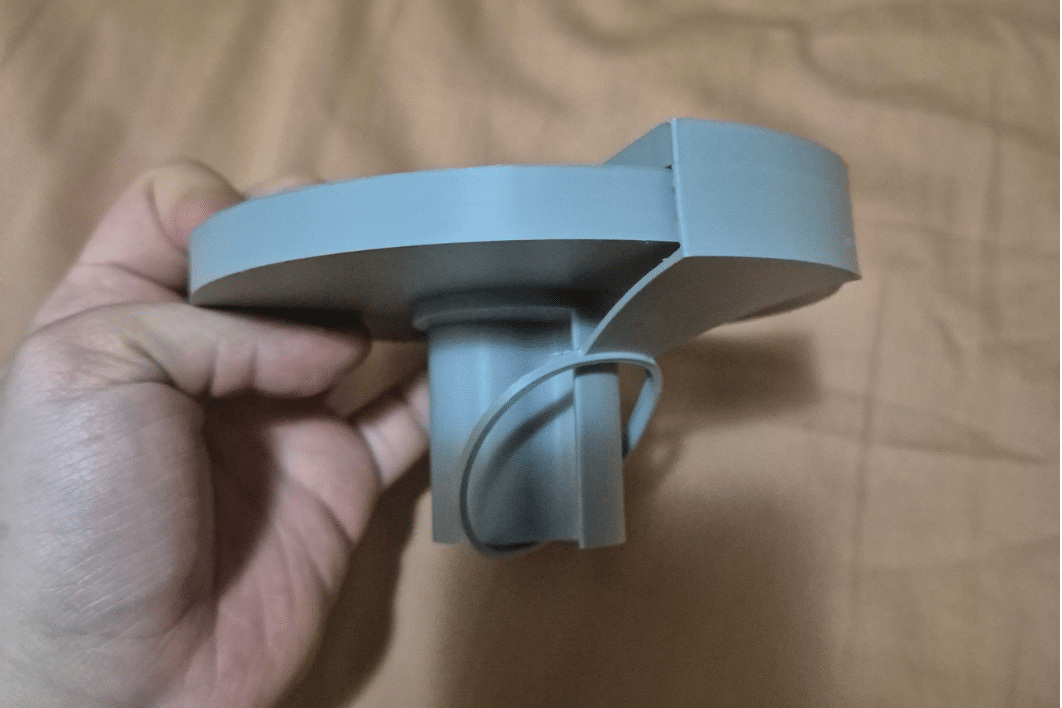
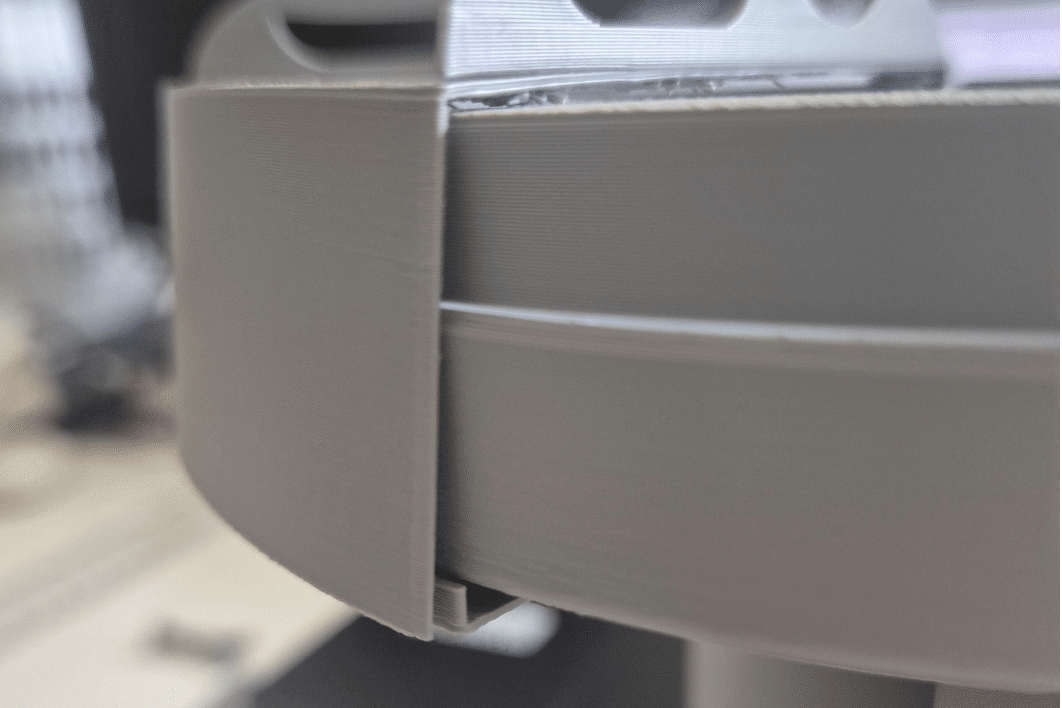
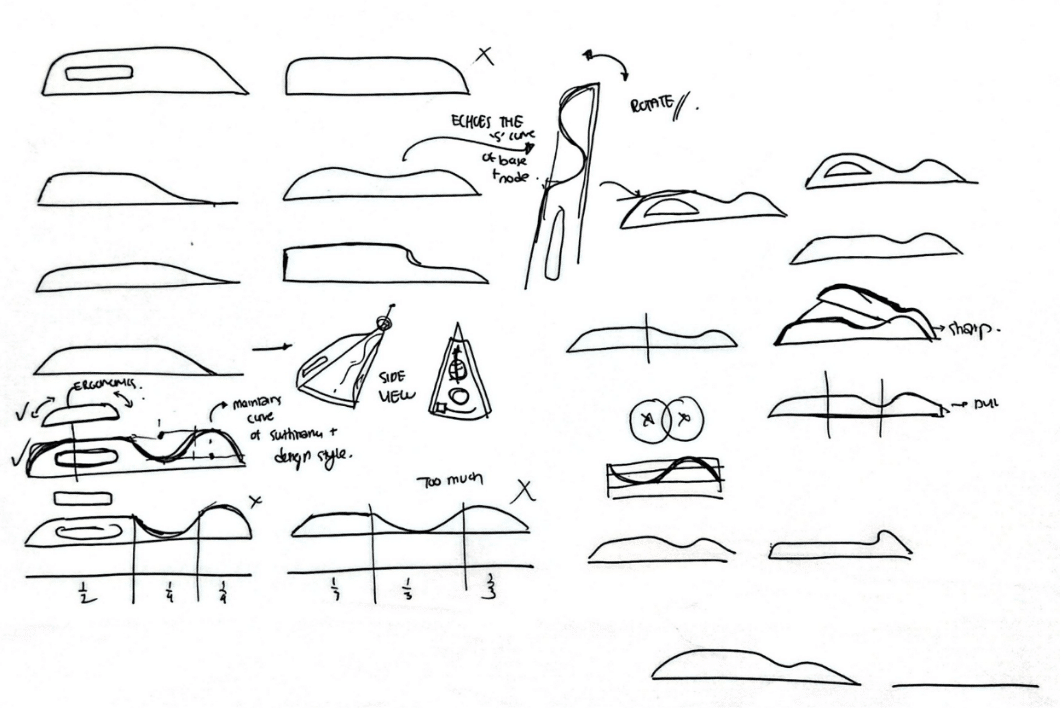
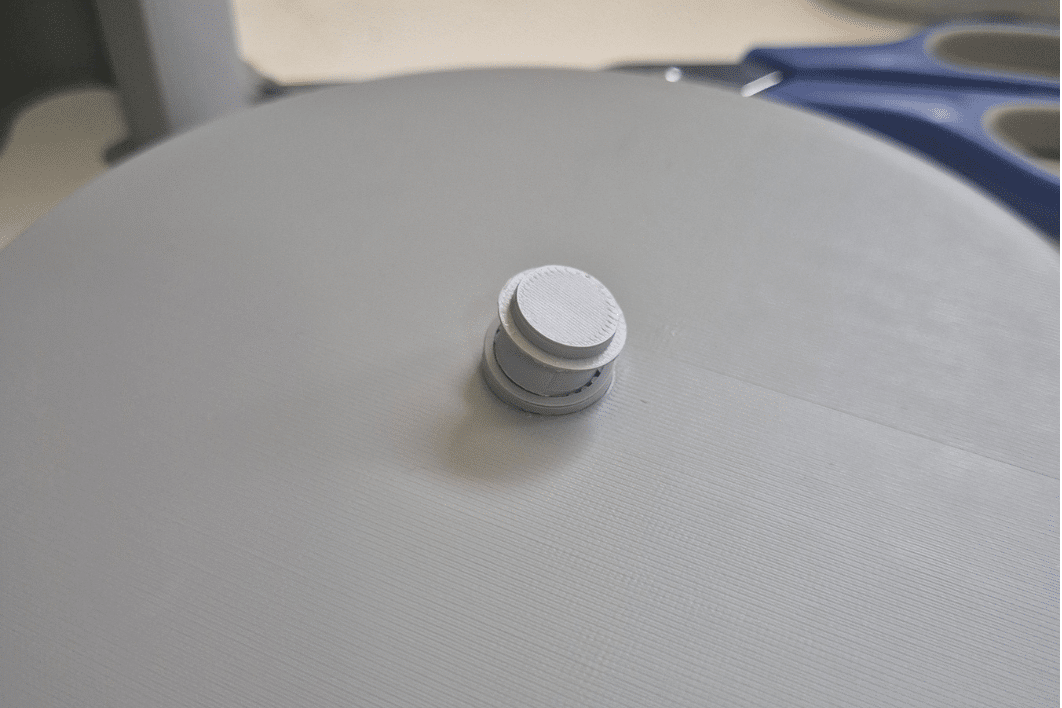
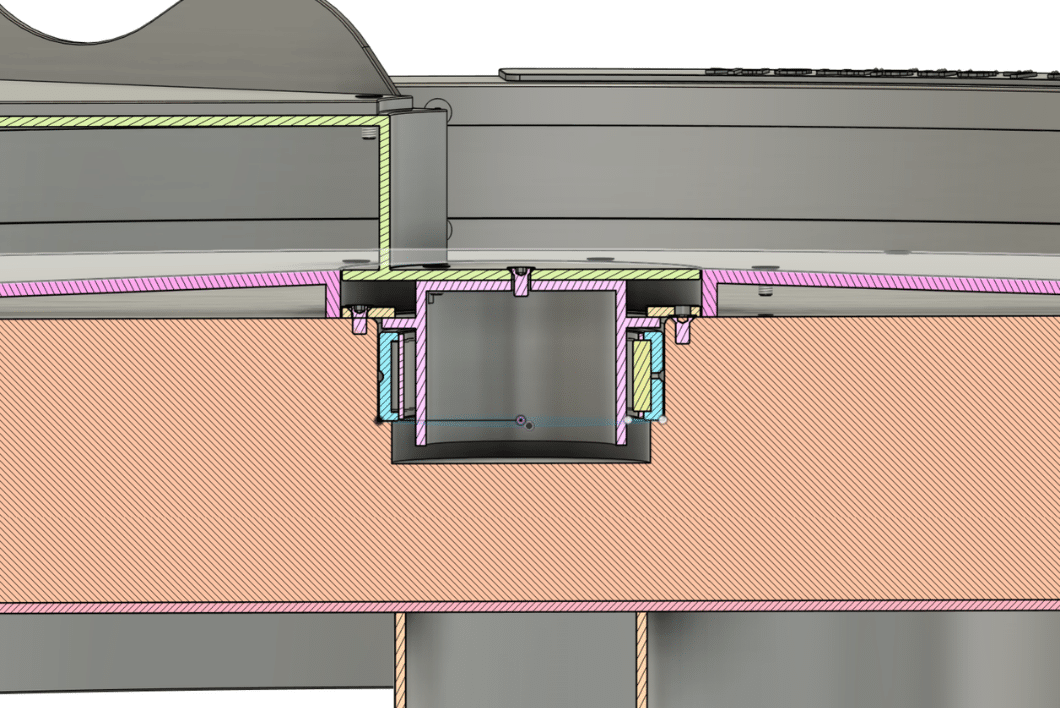
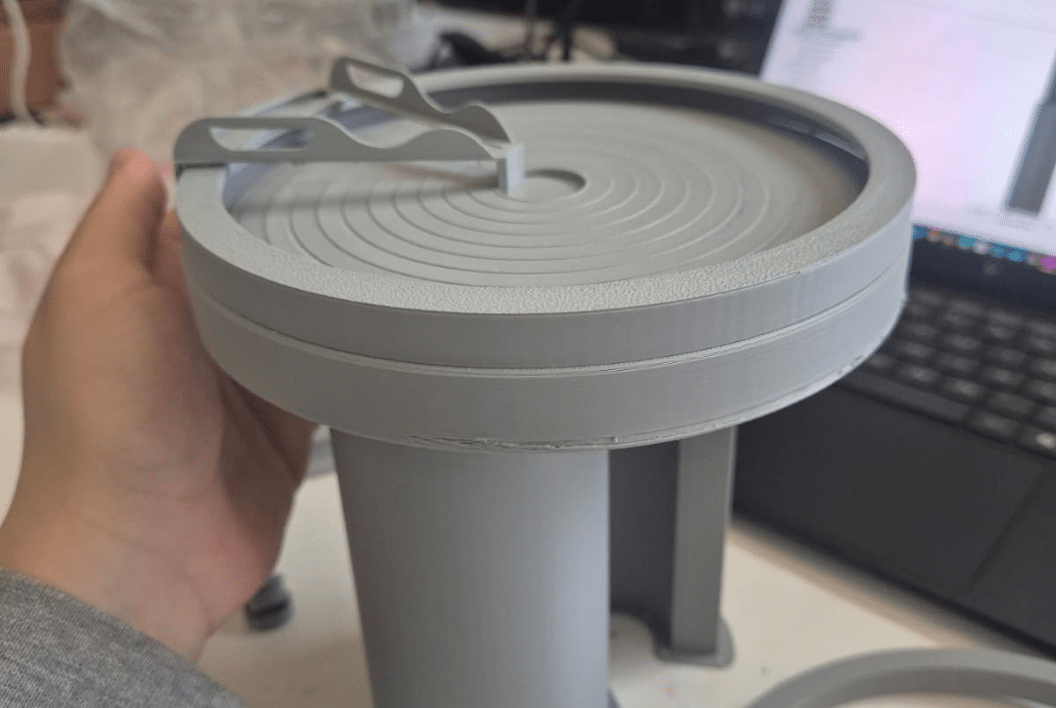
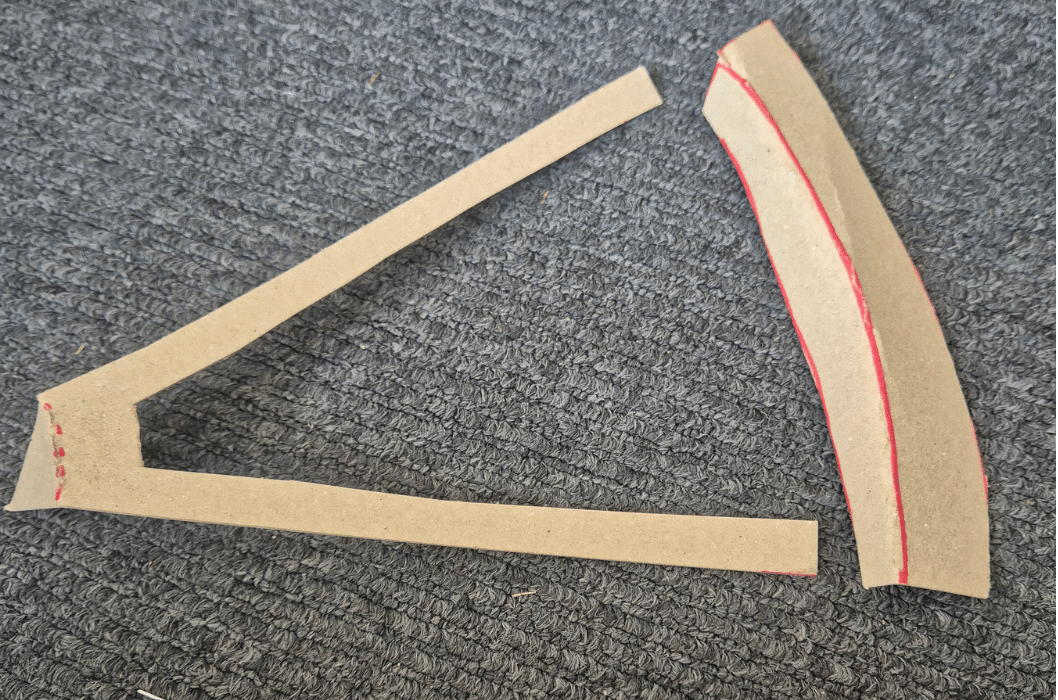
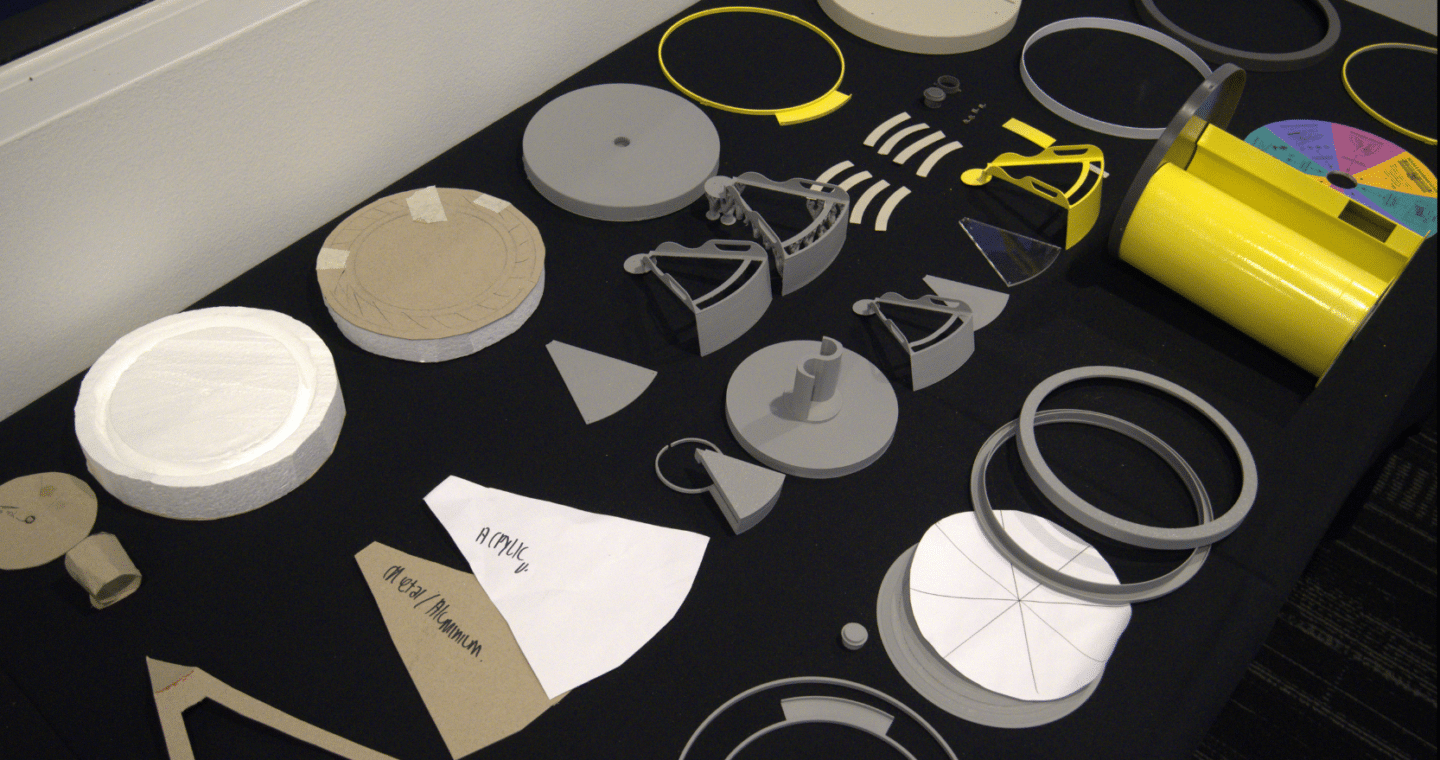
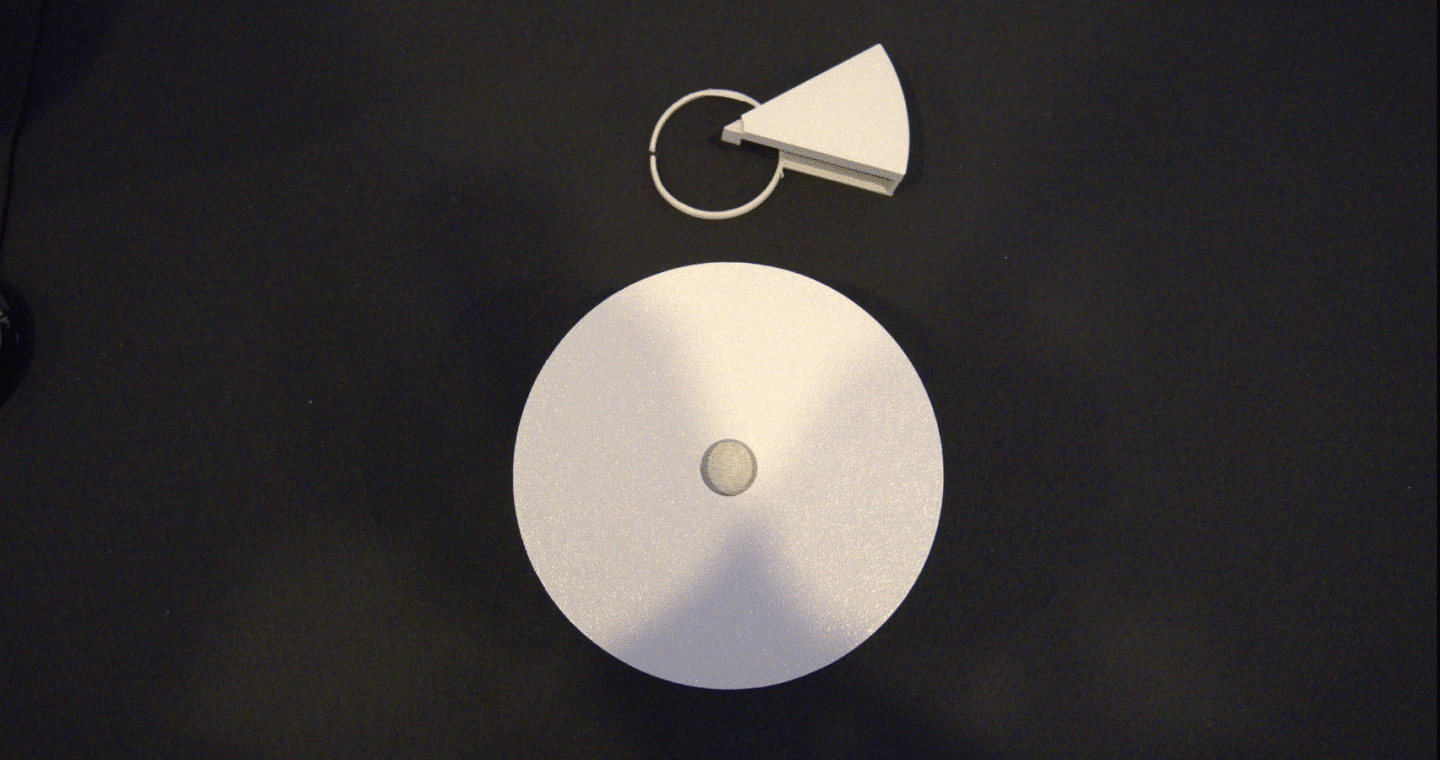
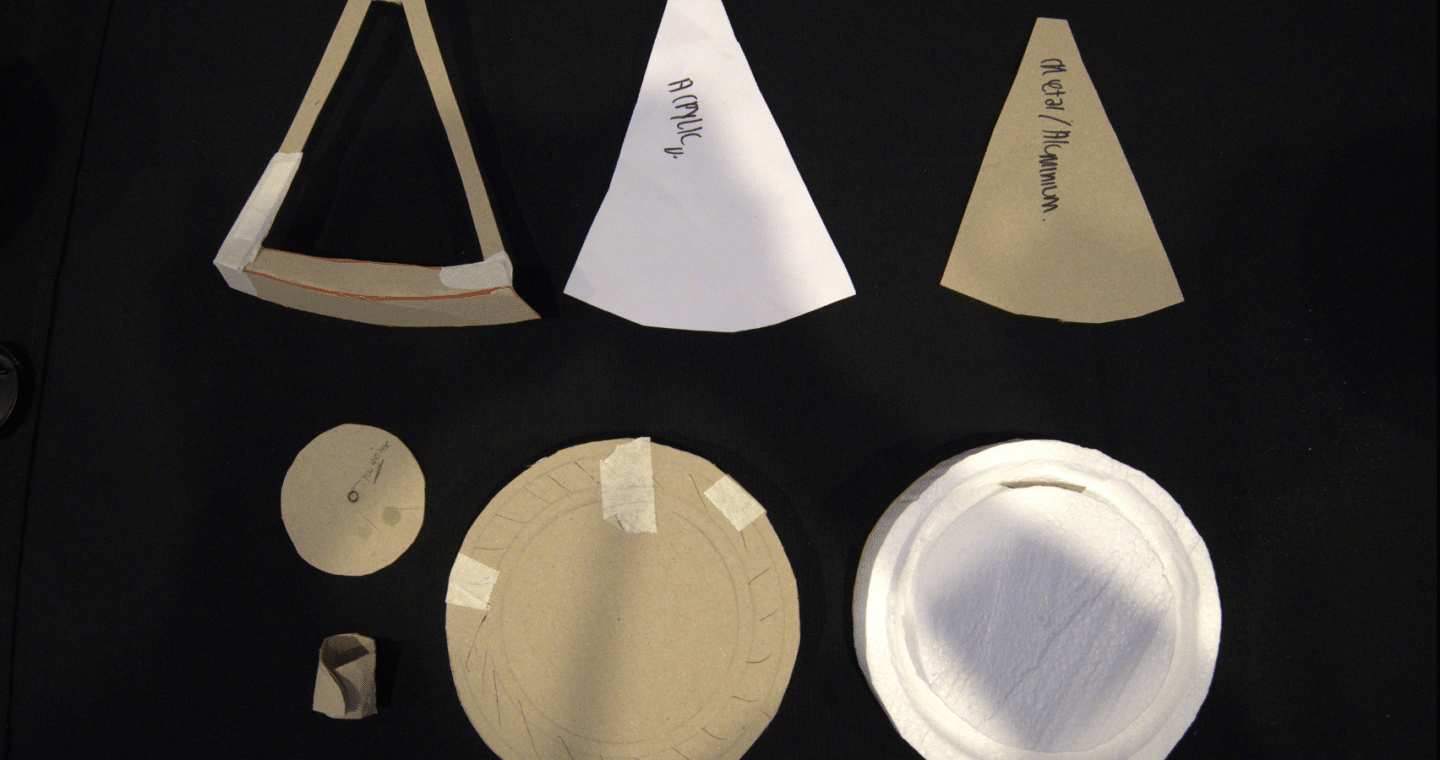
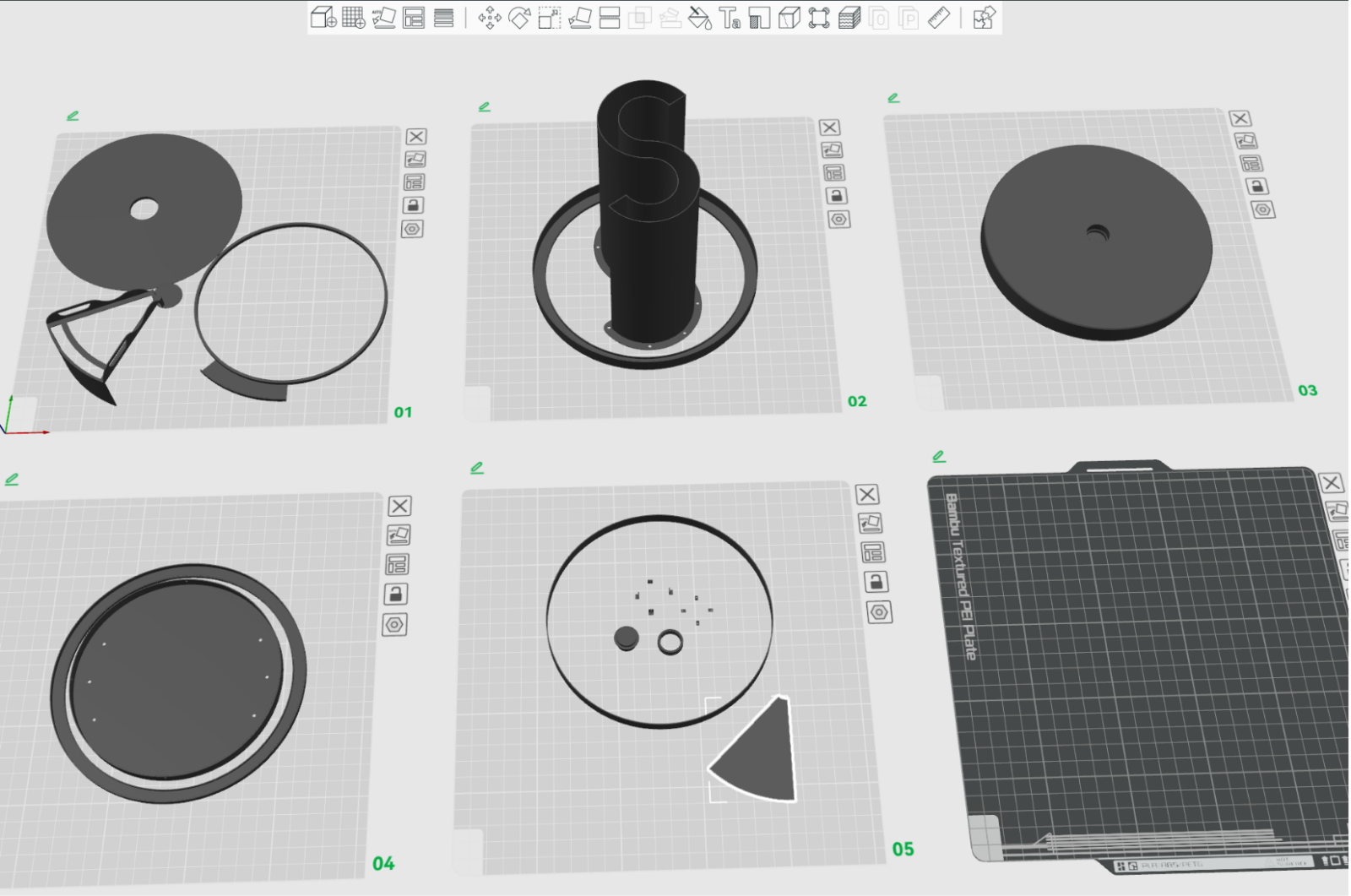
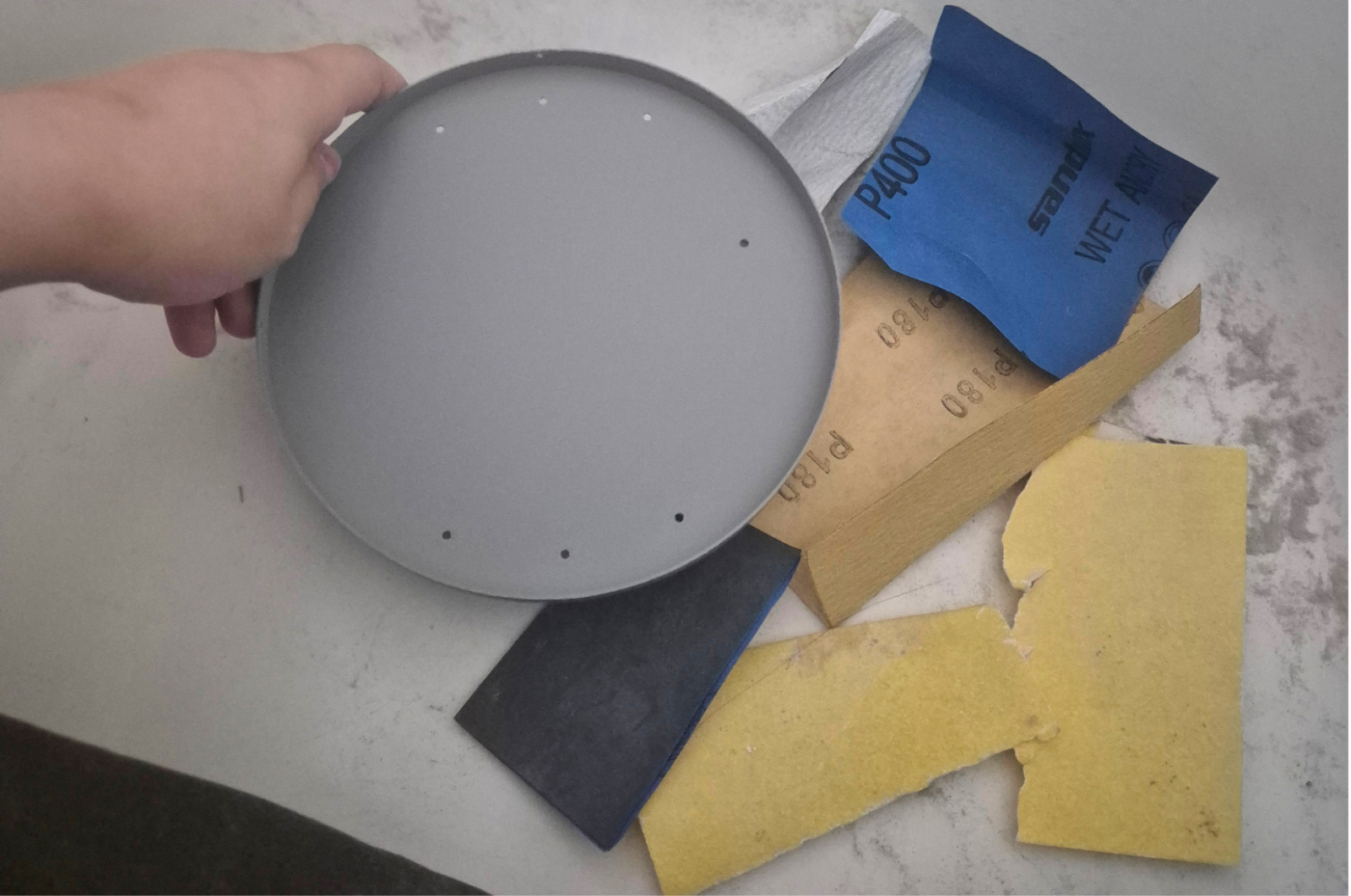
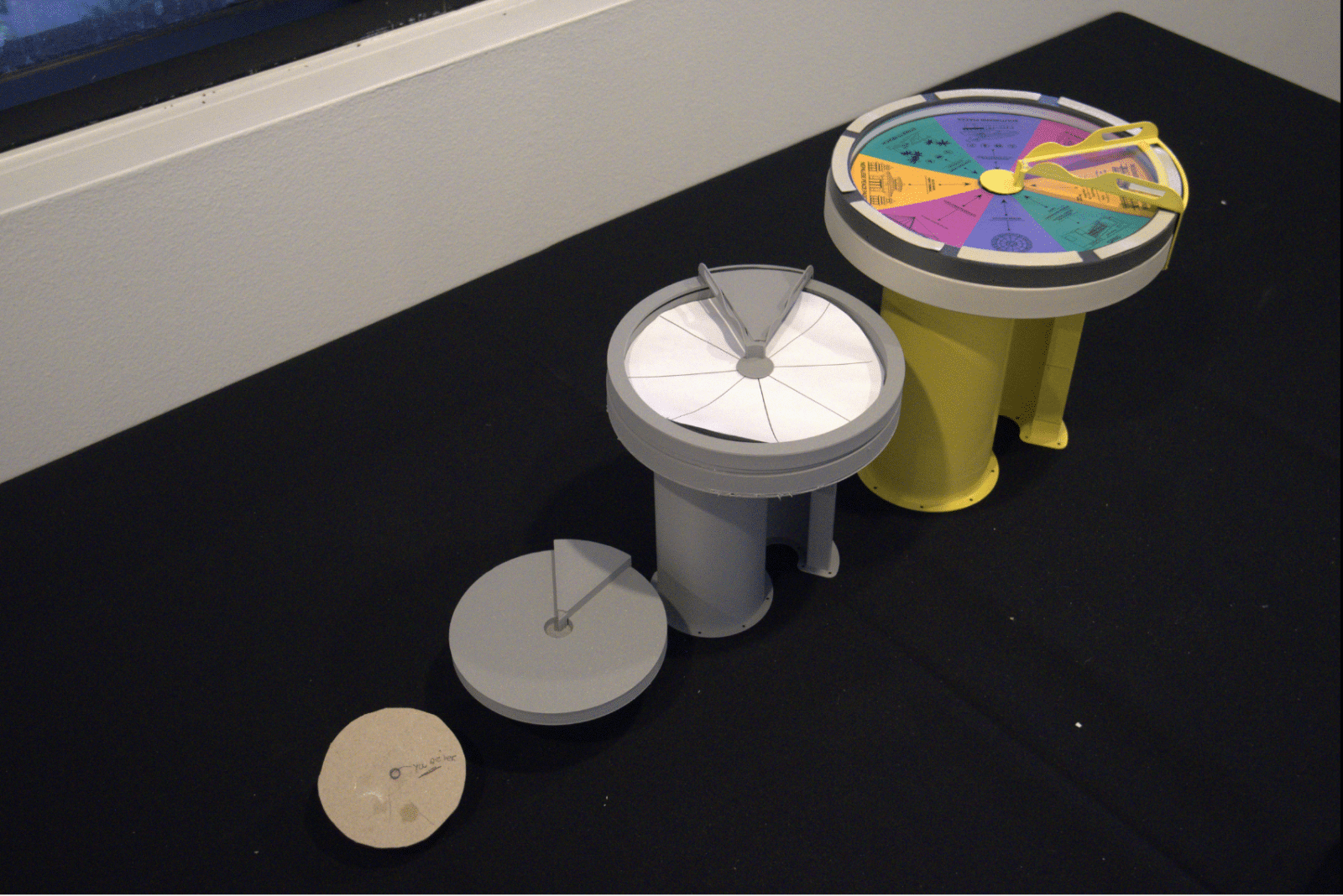
The prototyping process began with low-fidelity cardboard and paper models before progressing through multiple rounds of feedback, iteration, and refinement. Sketches, CAD modelling, 3D-printed prototypes, and user testing were used to explore, evaluate, and improve the design throughout development.
the product outcome
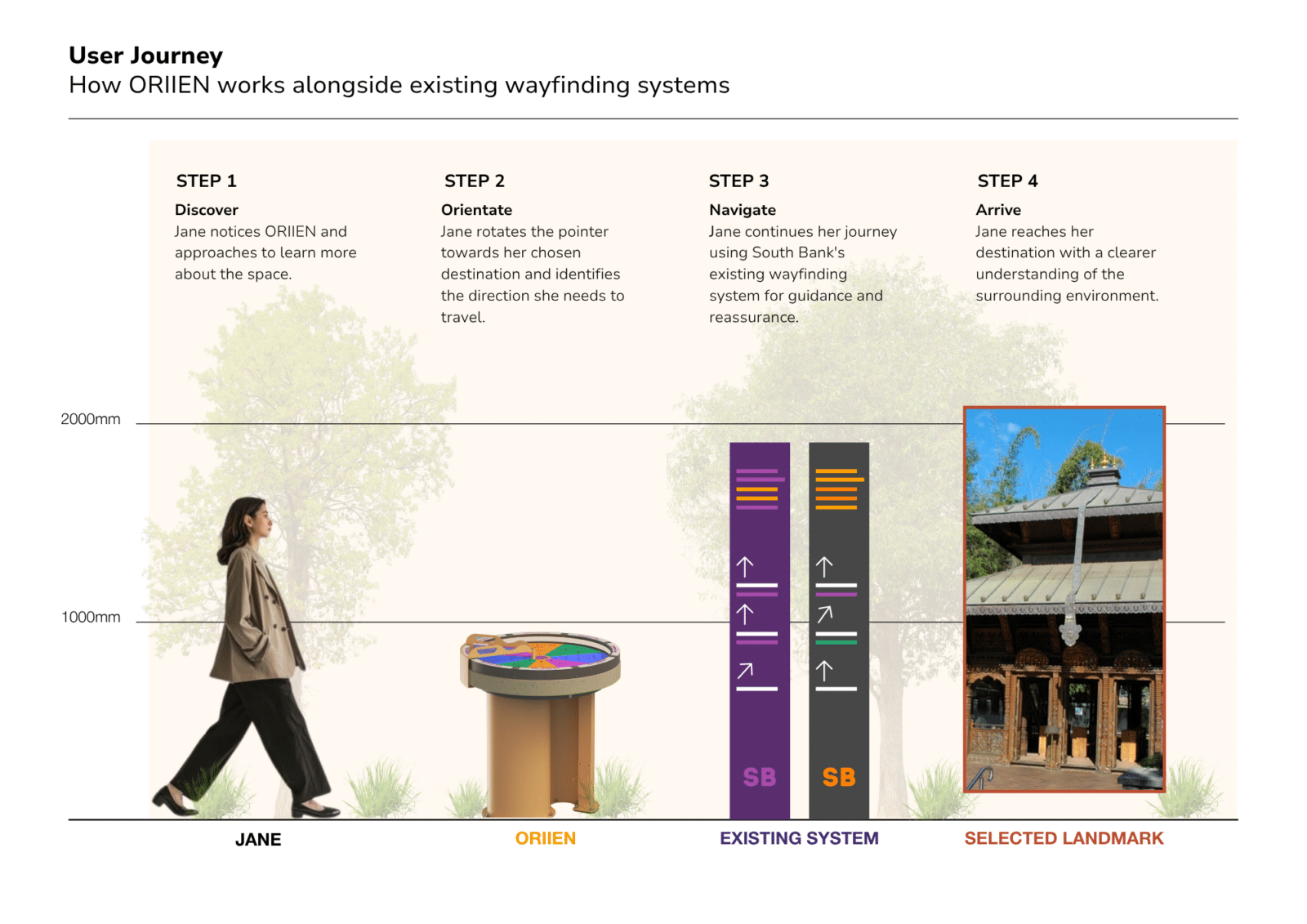
how does it work?
key features
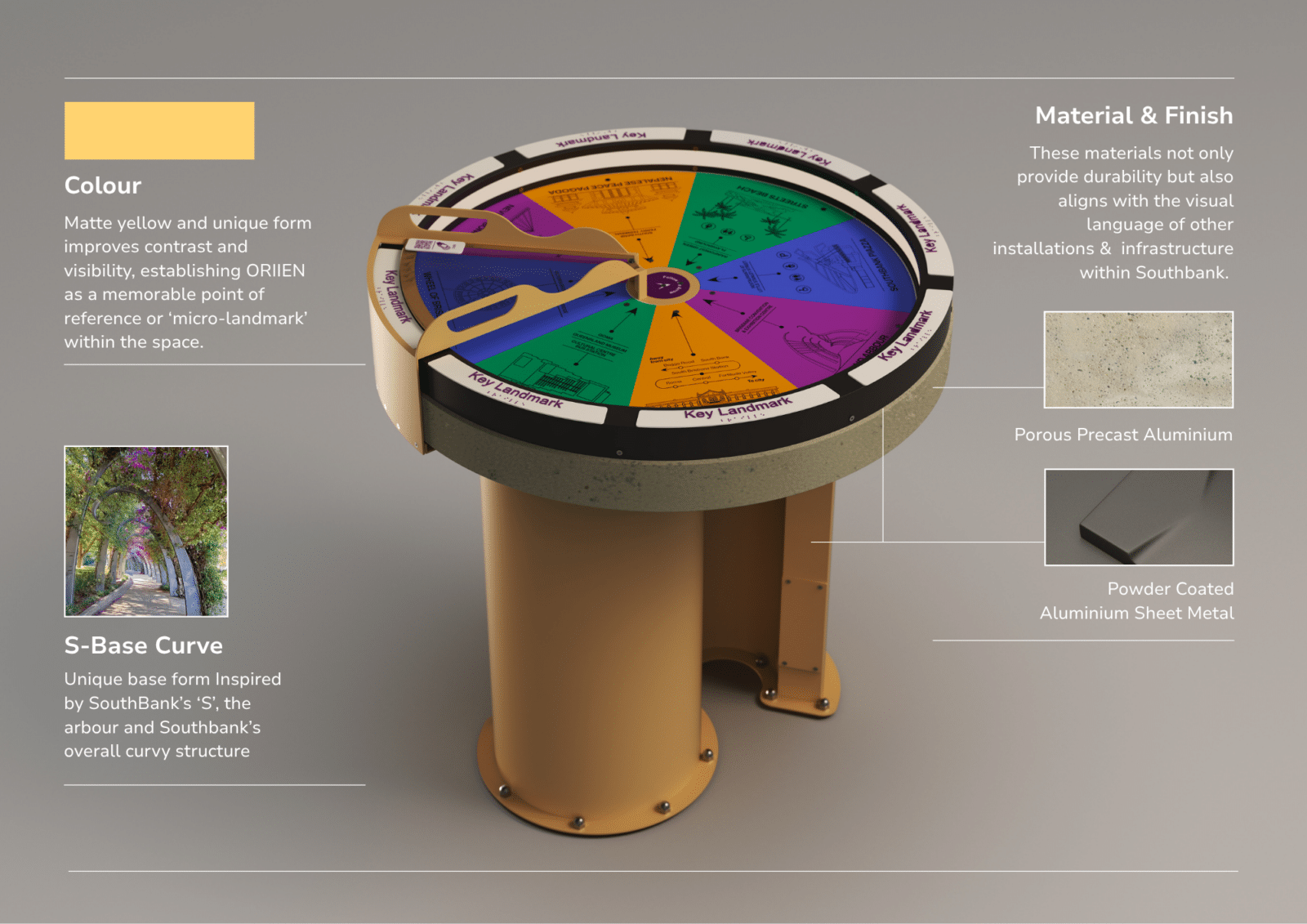
Form & CMF (color | material | finish)
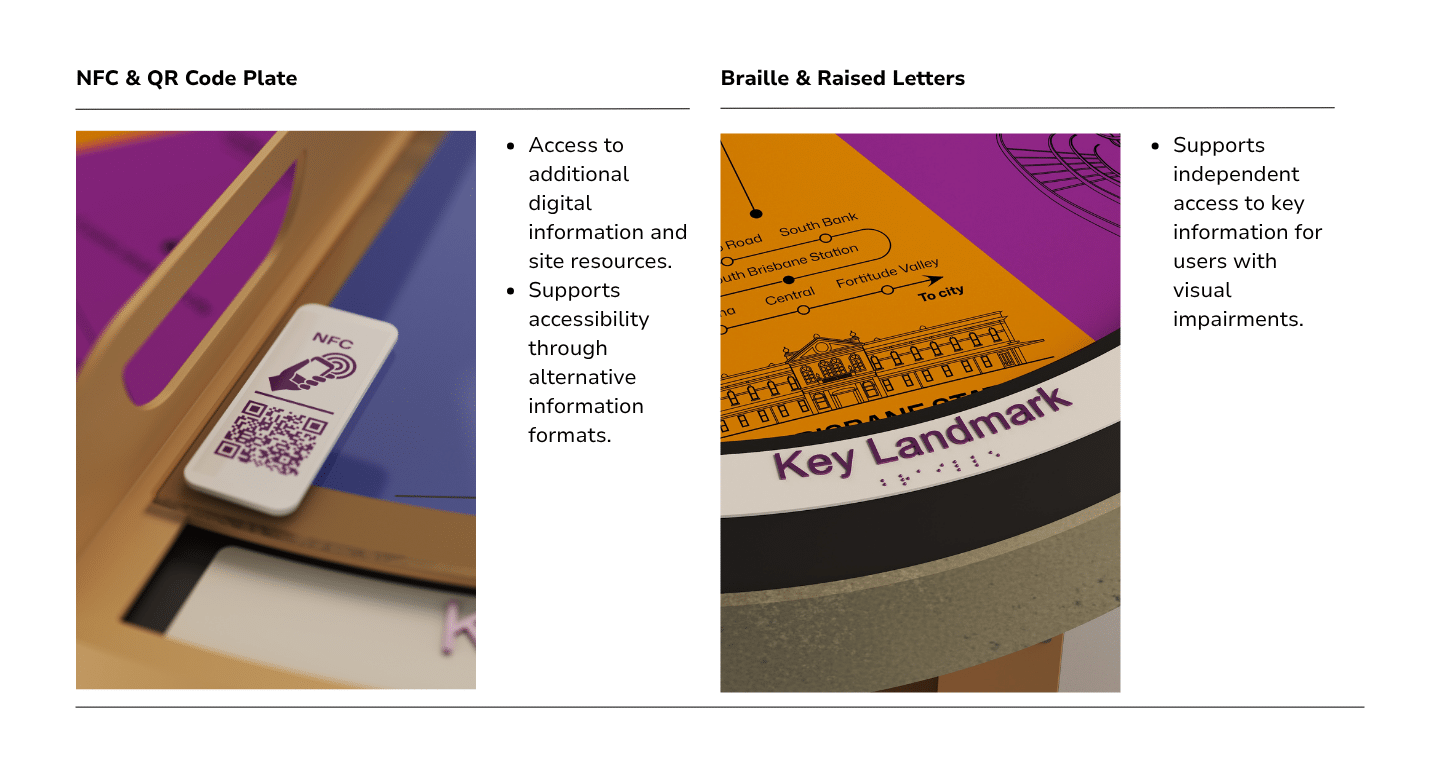
Inclusive design
customised pictograms & graphics
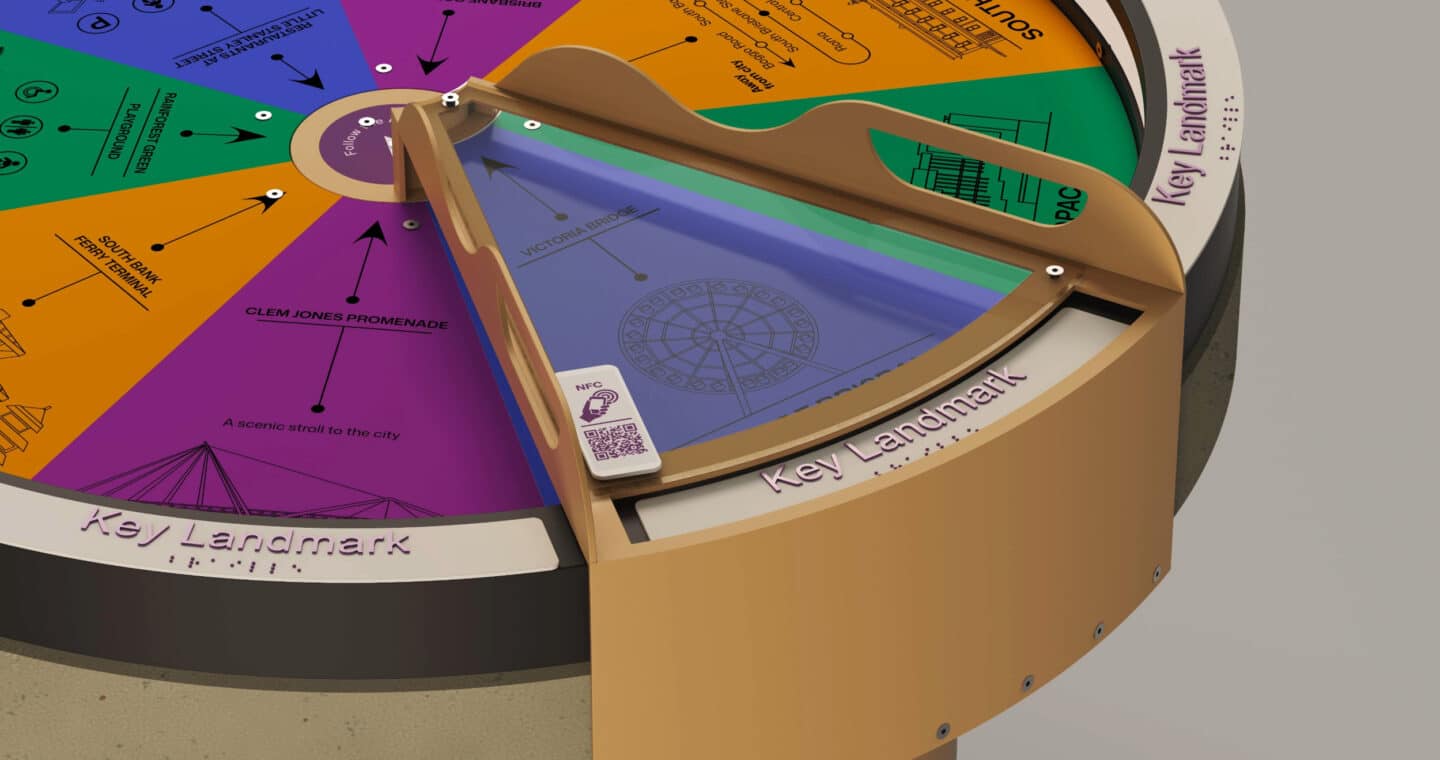
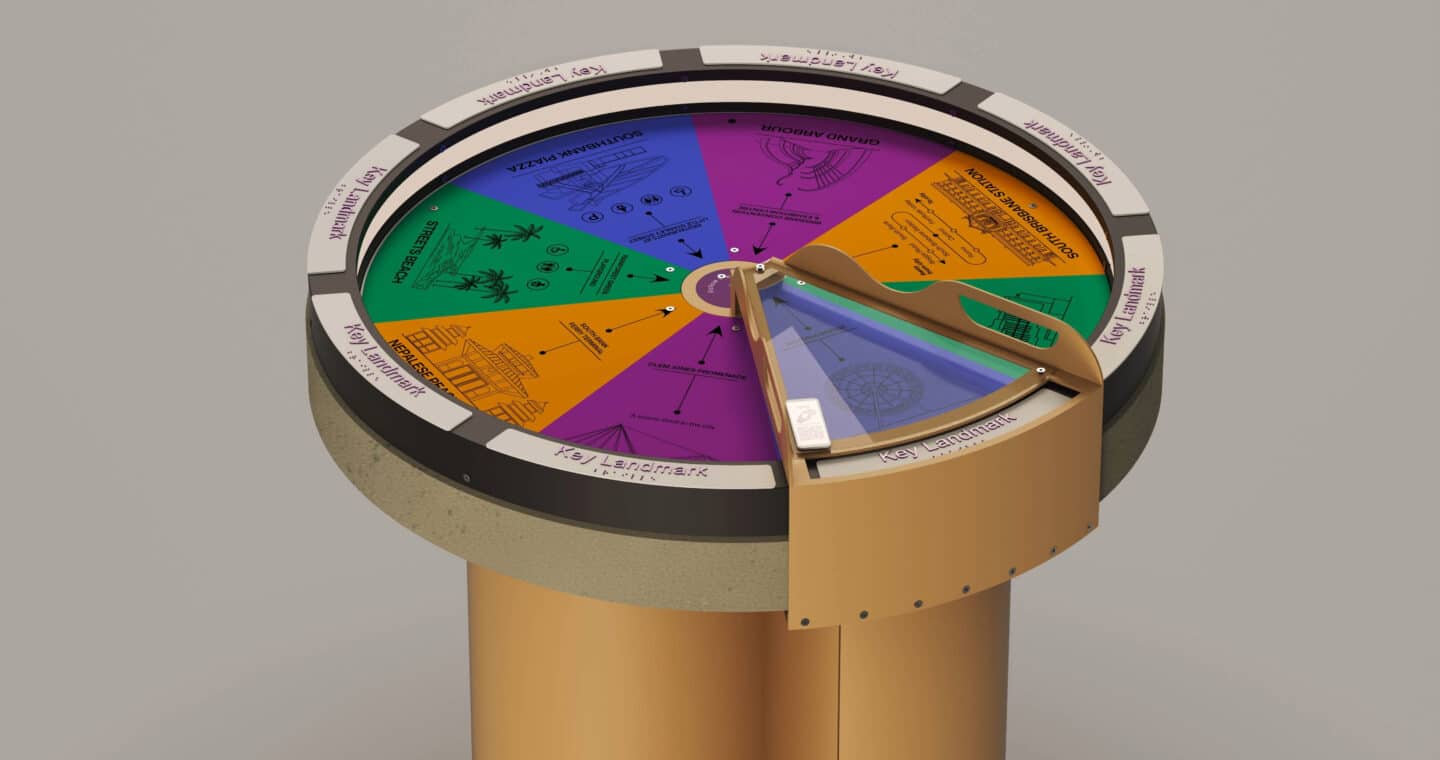
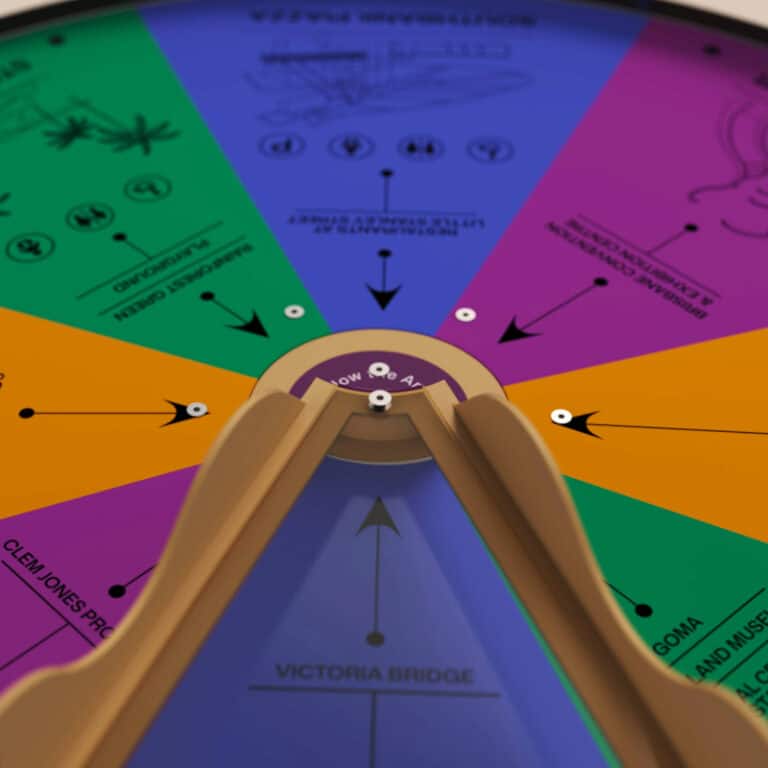
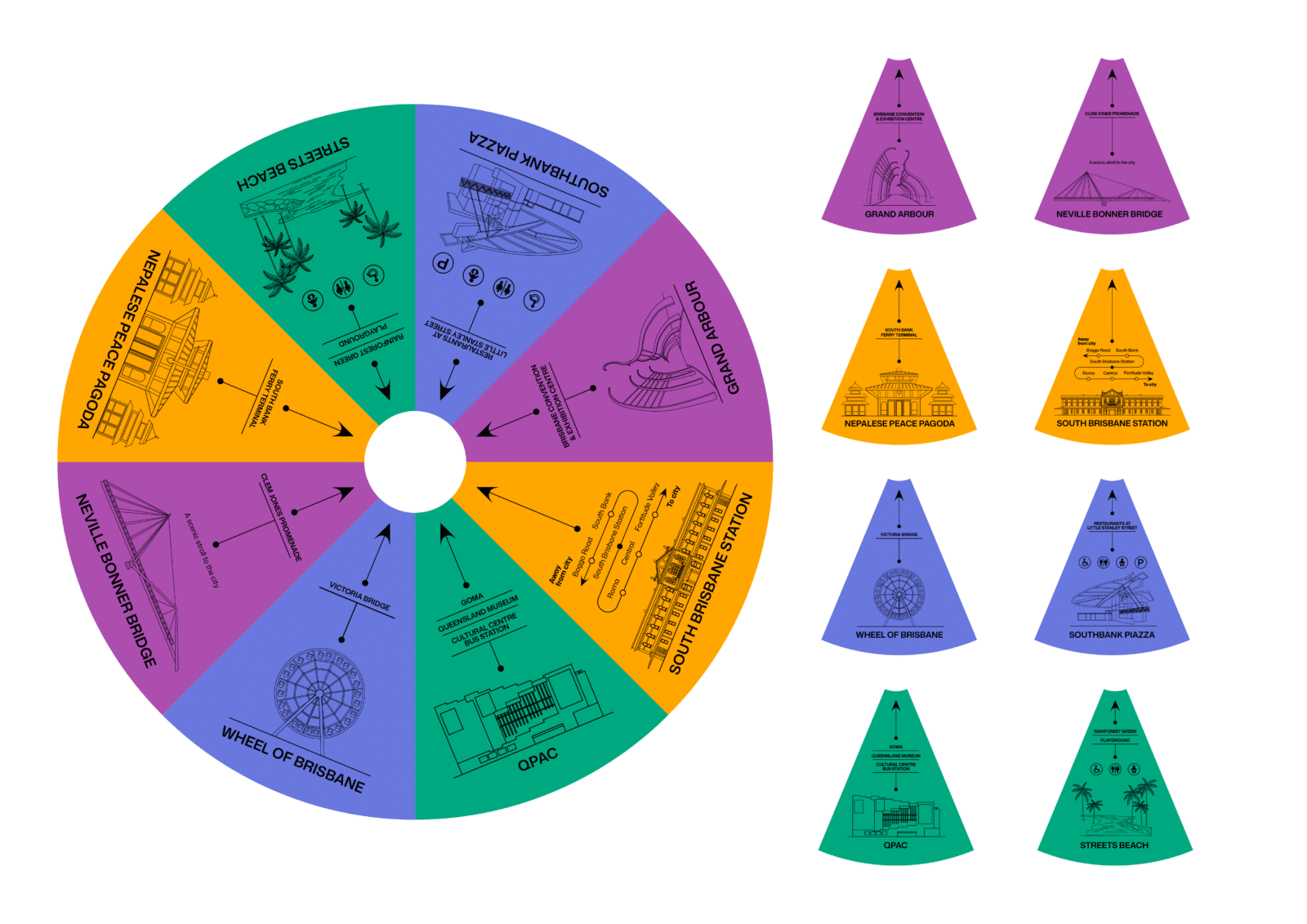
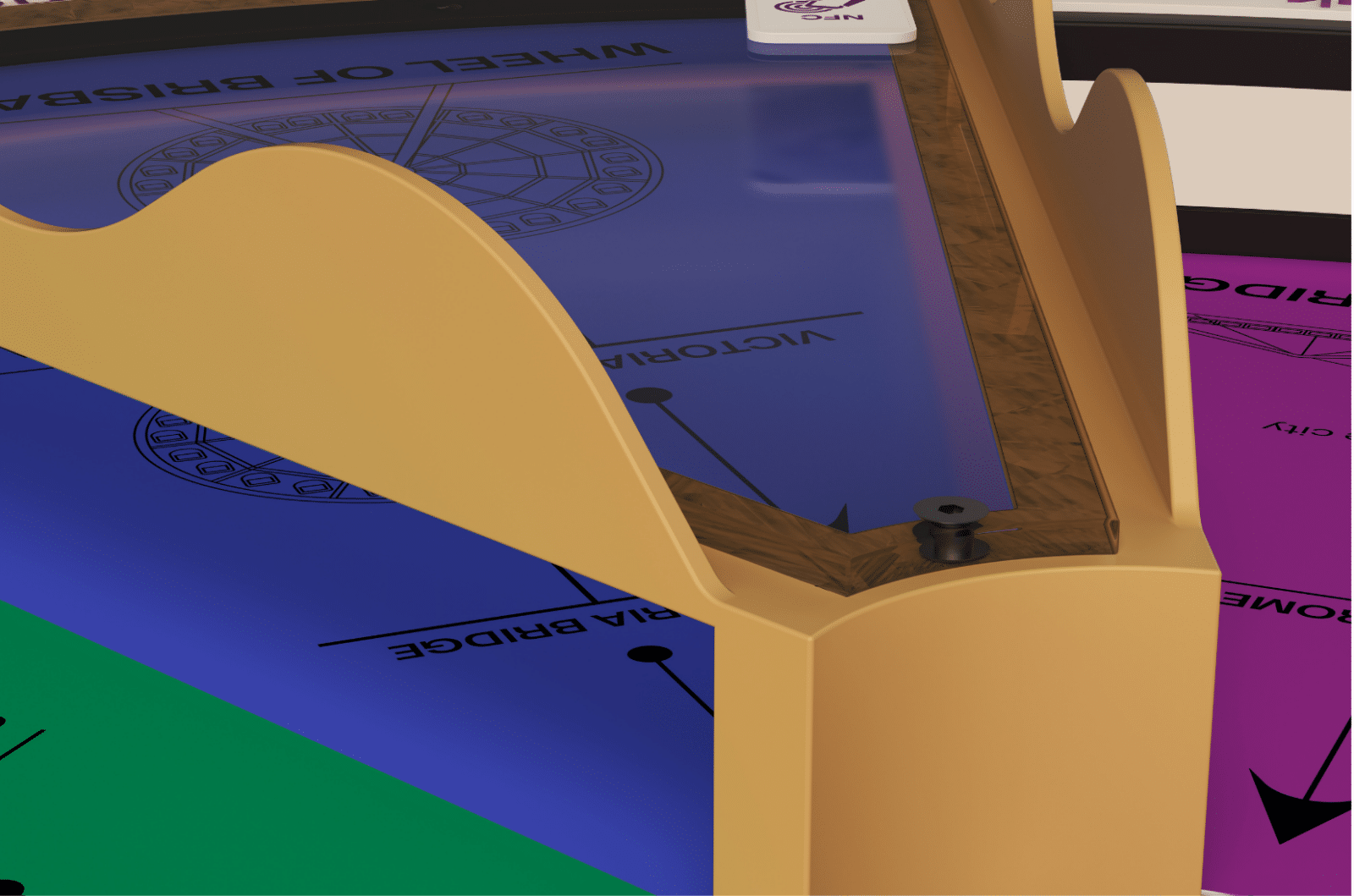
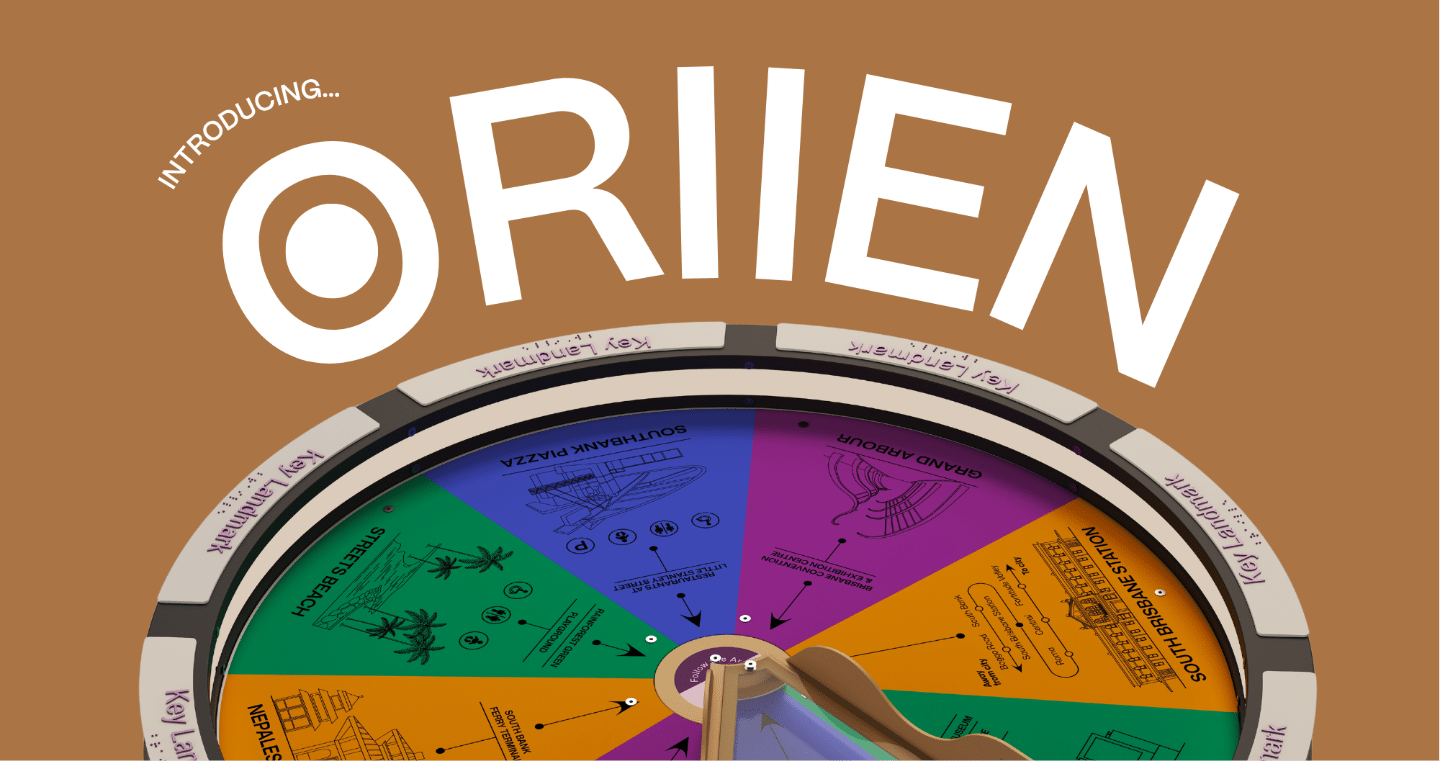
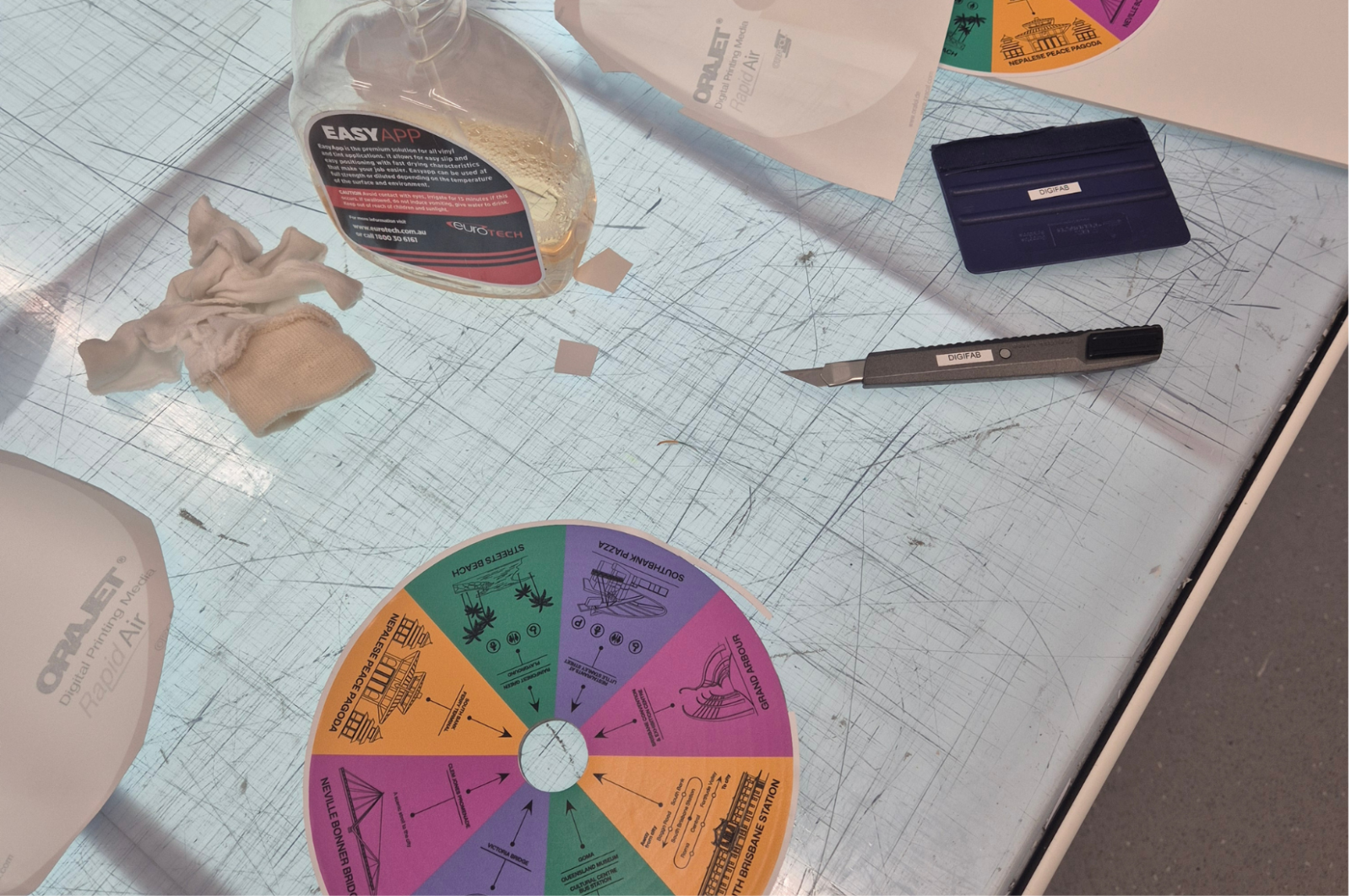
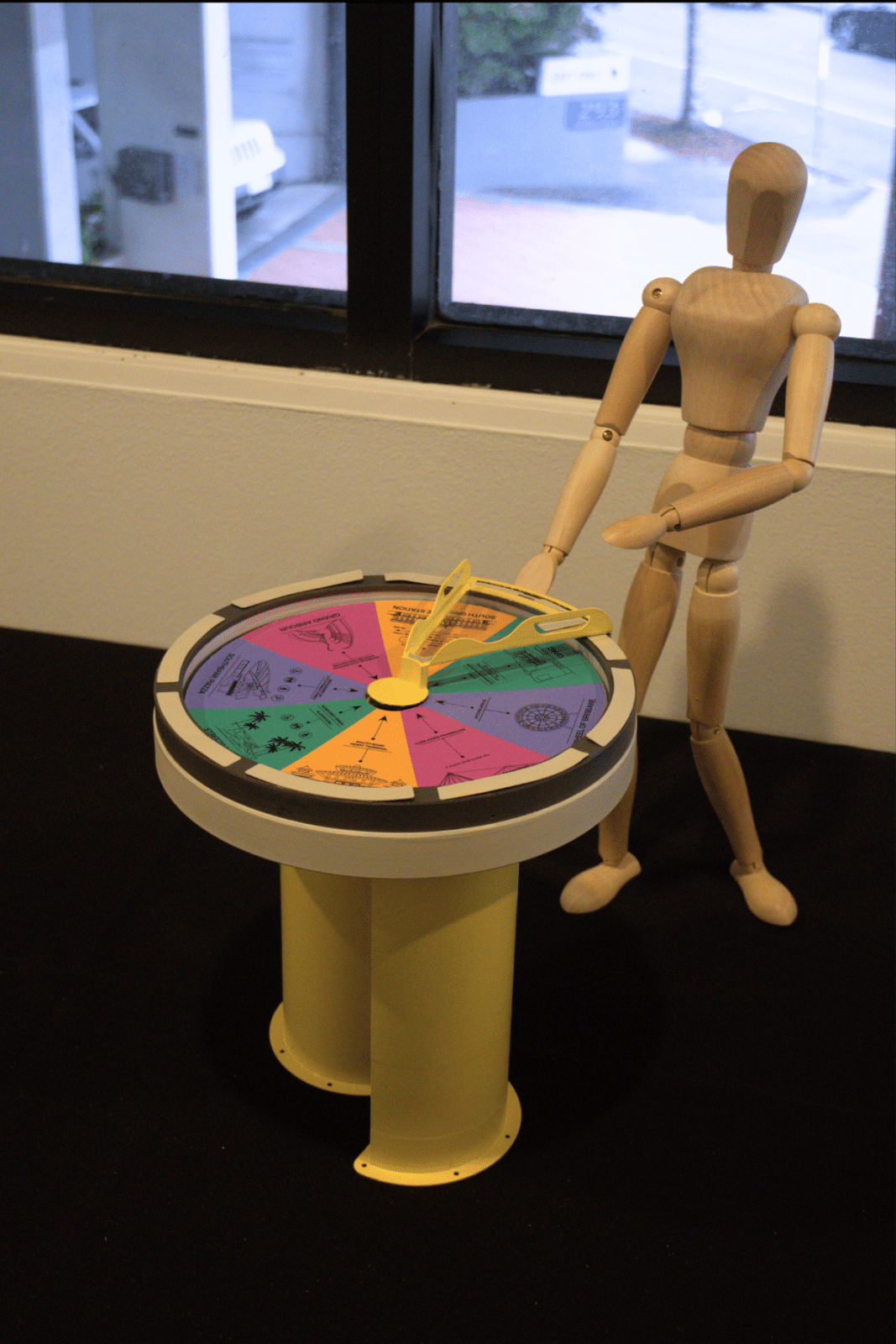
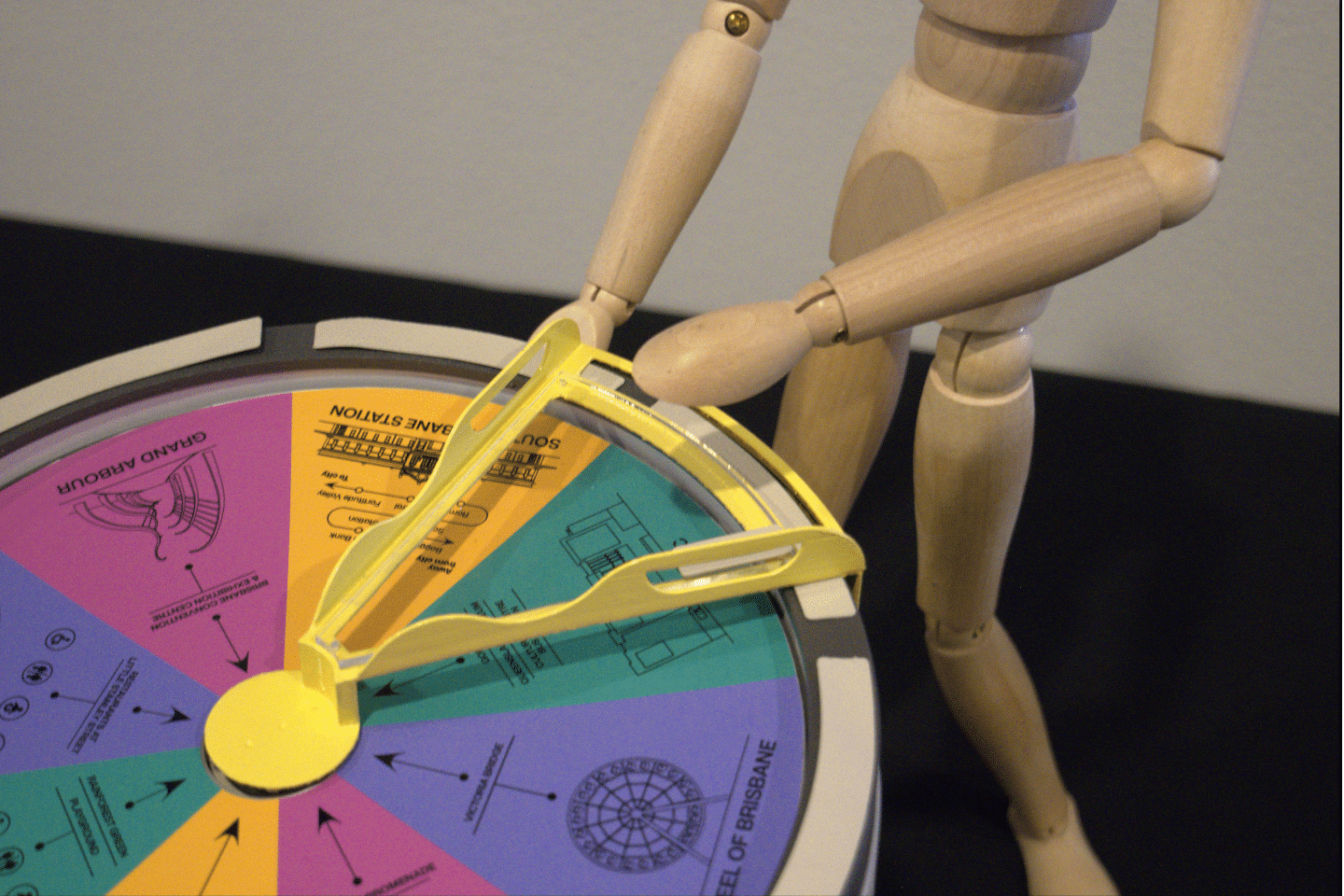
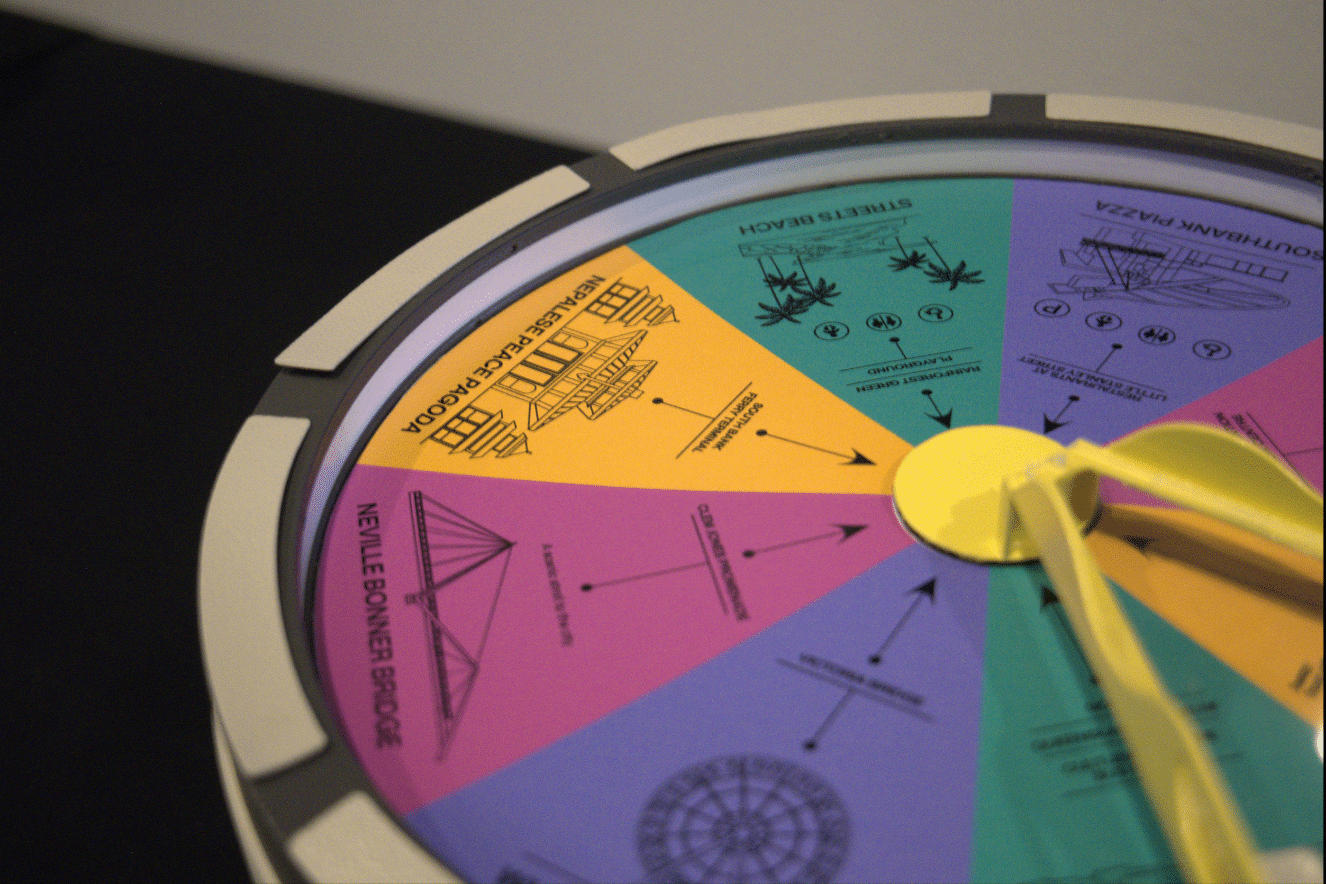
Inspired by South Bank’s environment and visual identity, the color-coded quadrants clearly organize information into distinct categories. Pictograms and simplified graphics further support quick interpretation, helping users understand information at a glance and improving accessibility for users with language barriers.
additional design considerations
-
Environmental Durability
● Drainage holes prevent water pooling.
● Sealed lighting protects internal wiring.
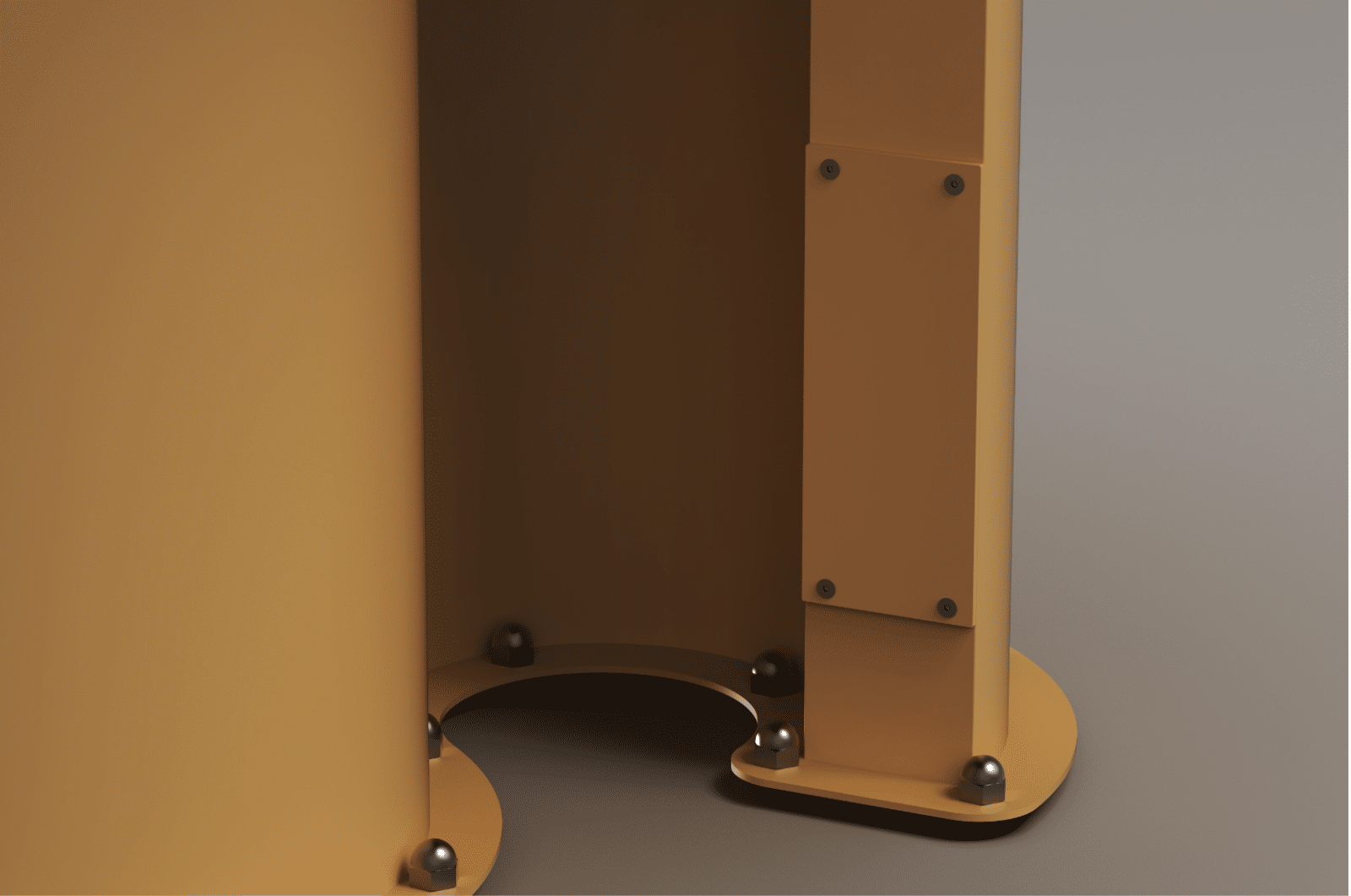
● Secure fasteners improve structural stability.
-
Internal Access Point for Ease of Maintenance
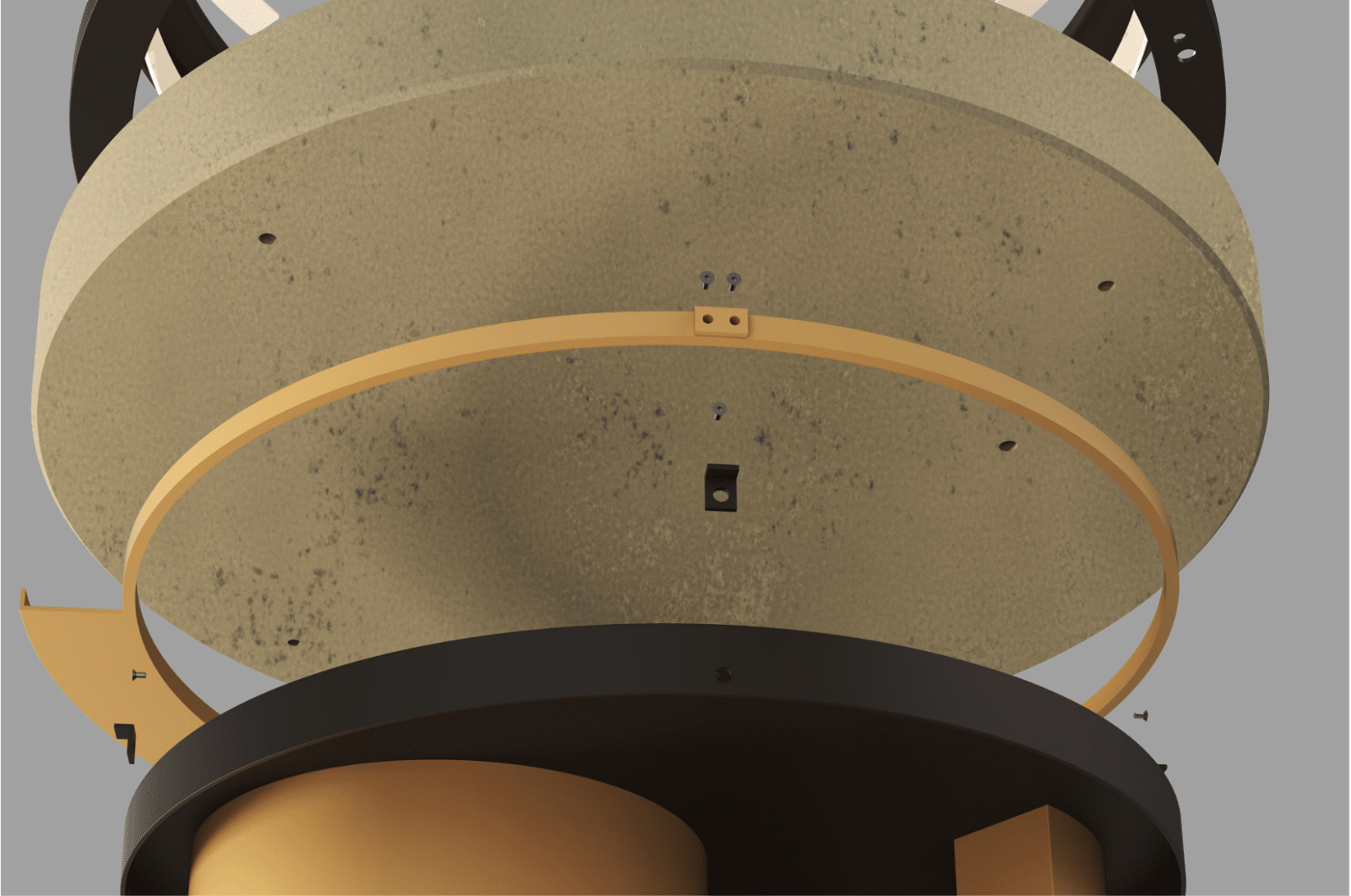
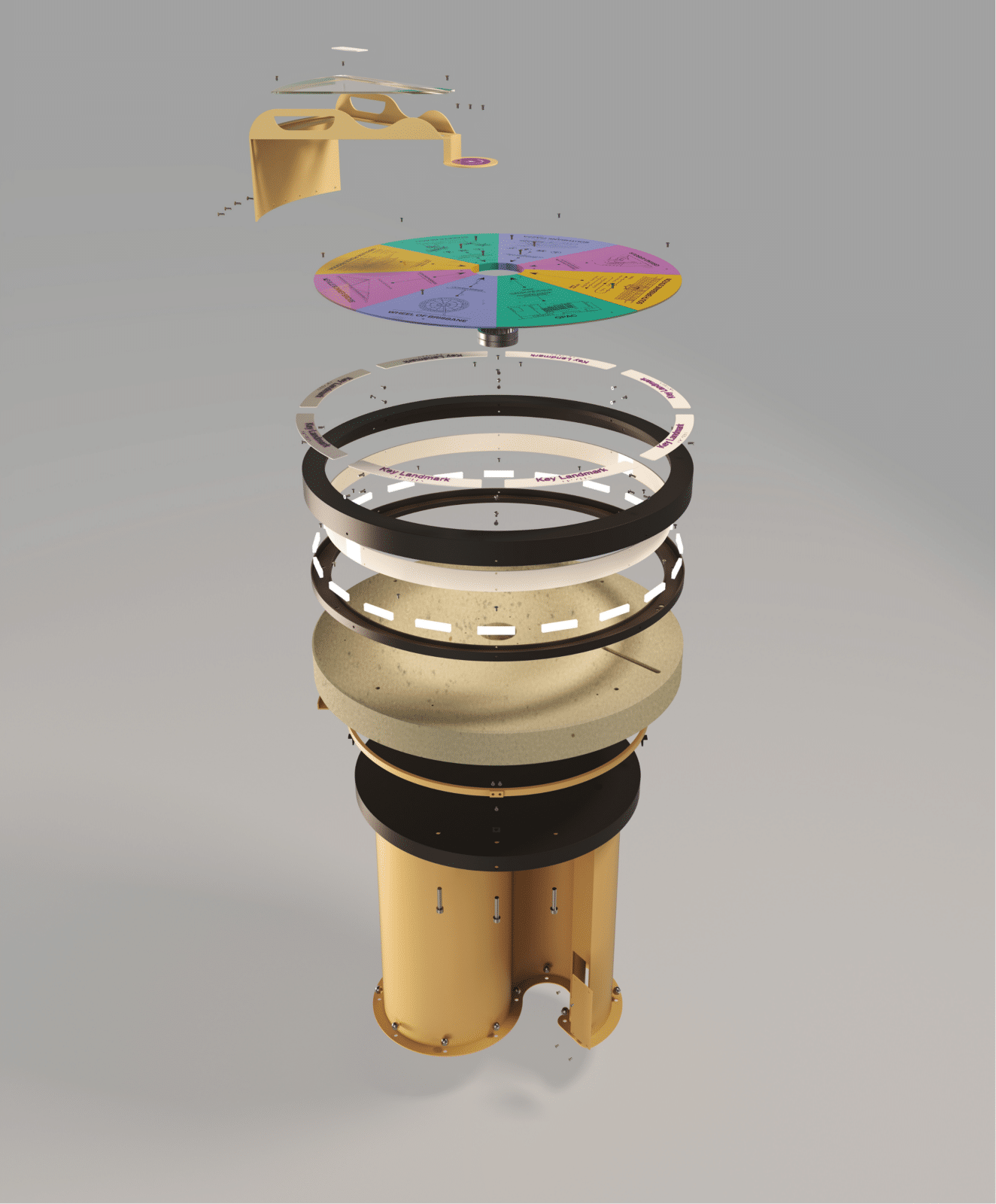
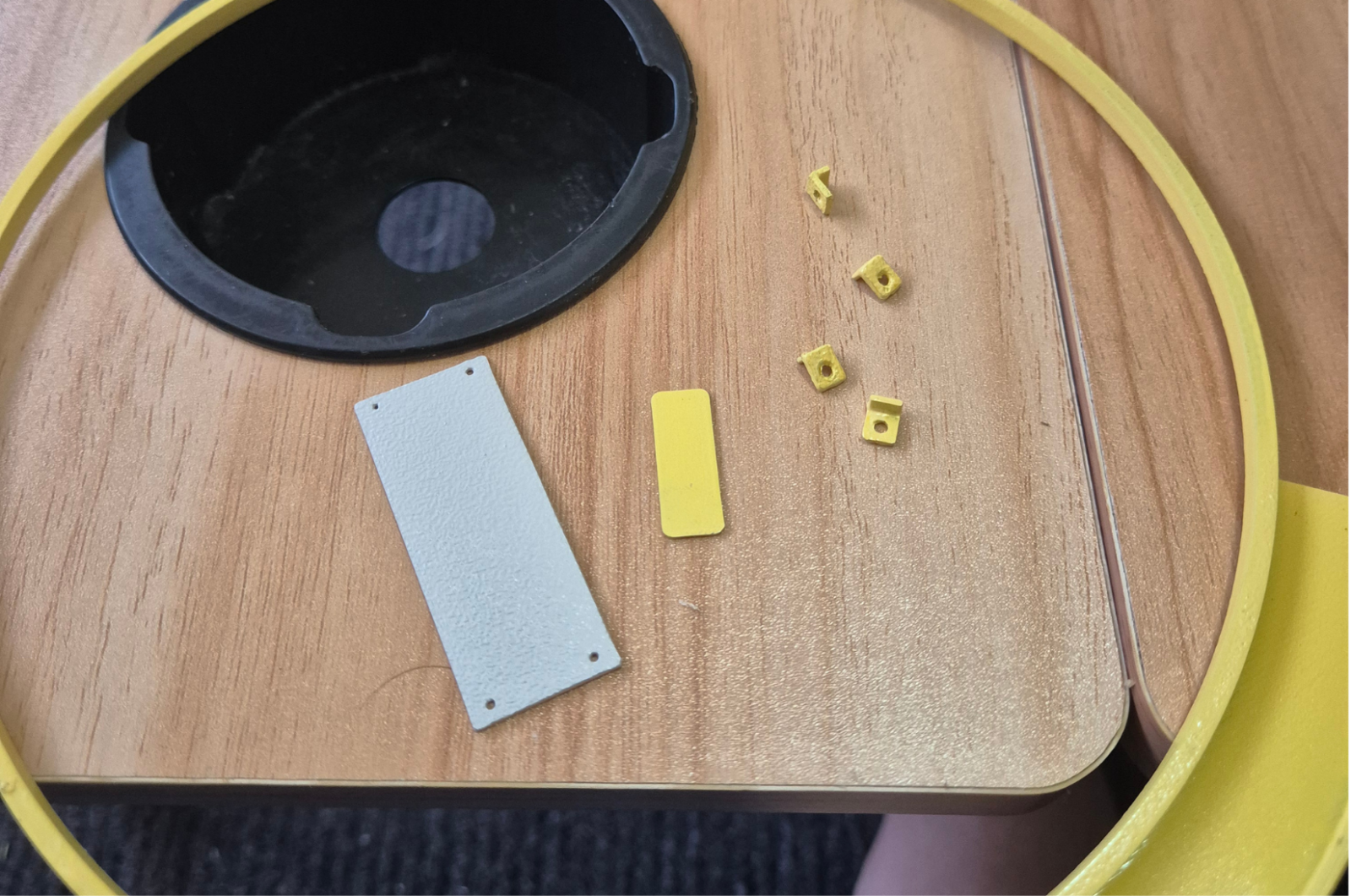
Concealed wiring runs through the lighting channel, concrete, through the base and into the underground power. A removable access panel is added to simplify access and lighting maintenance.
-
Vandal Resistant Measures
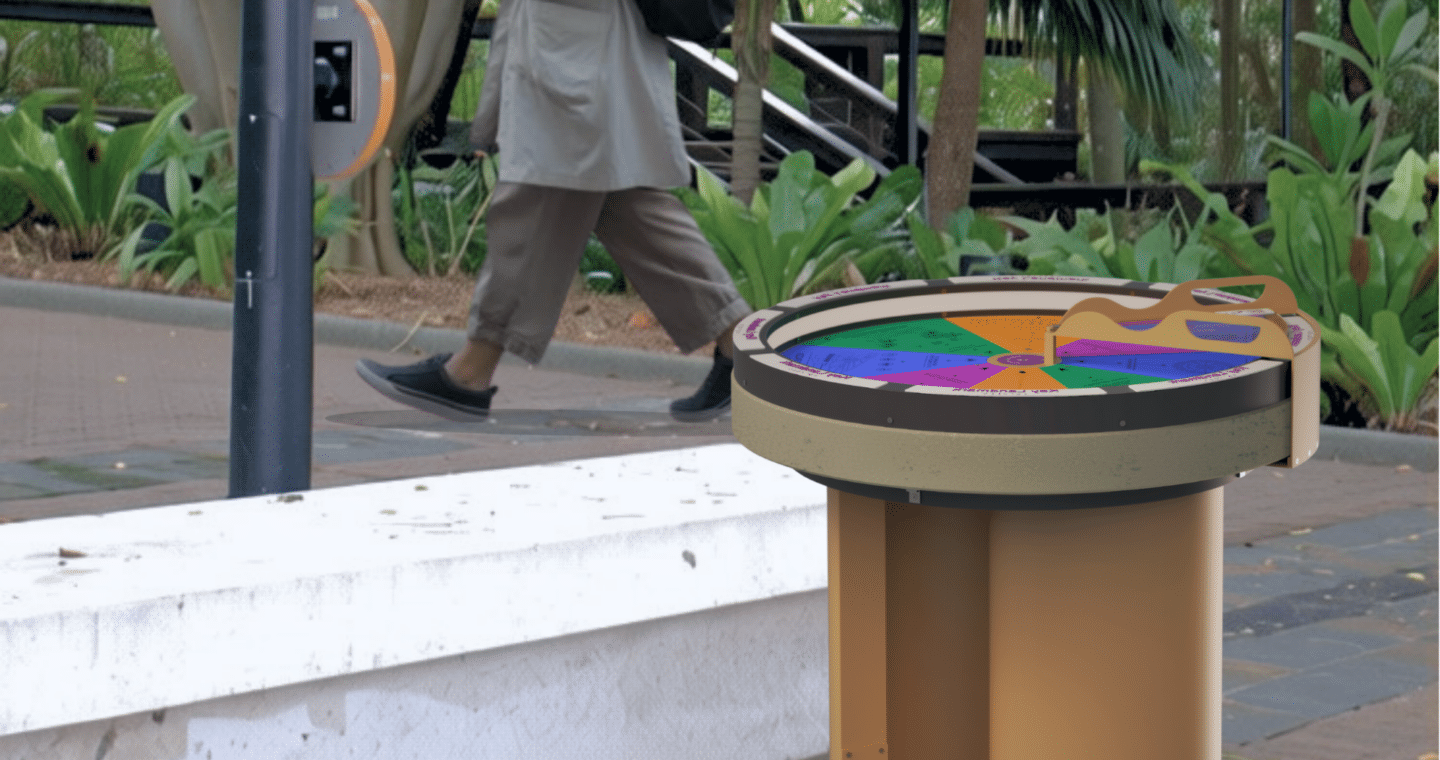
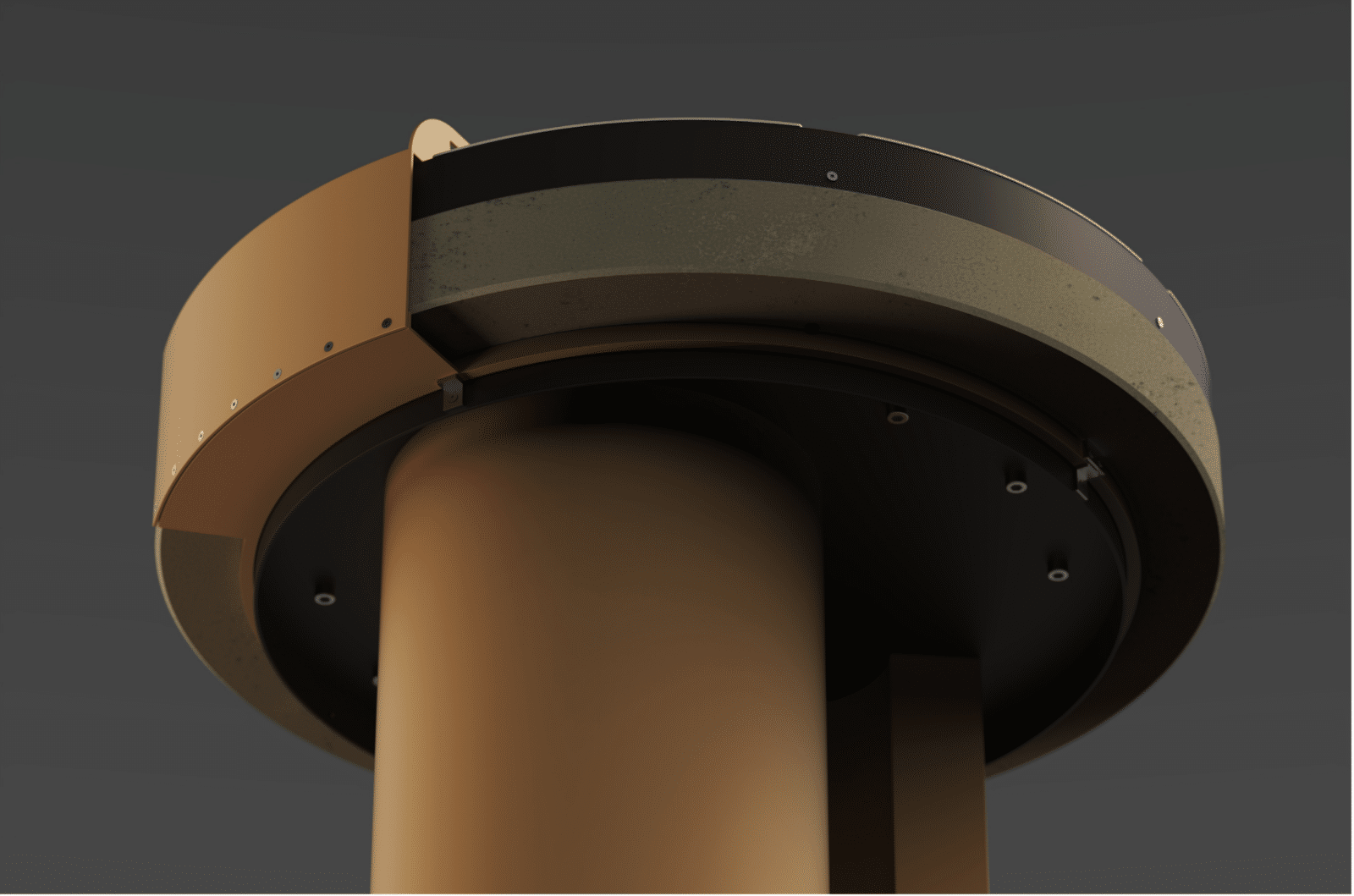
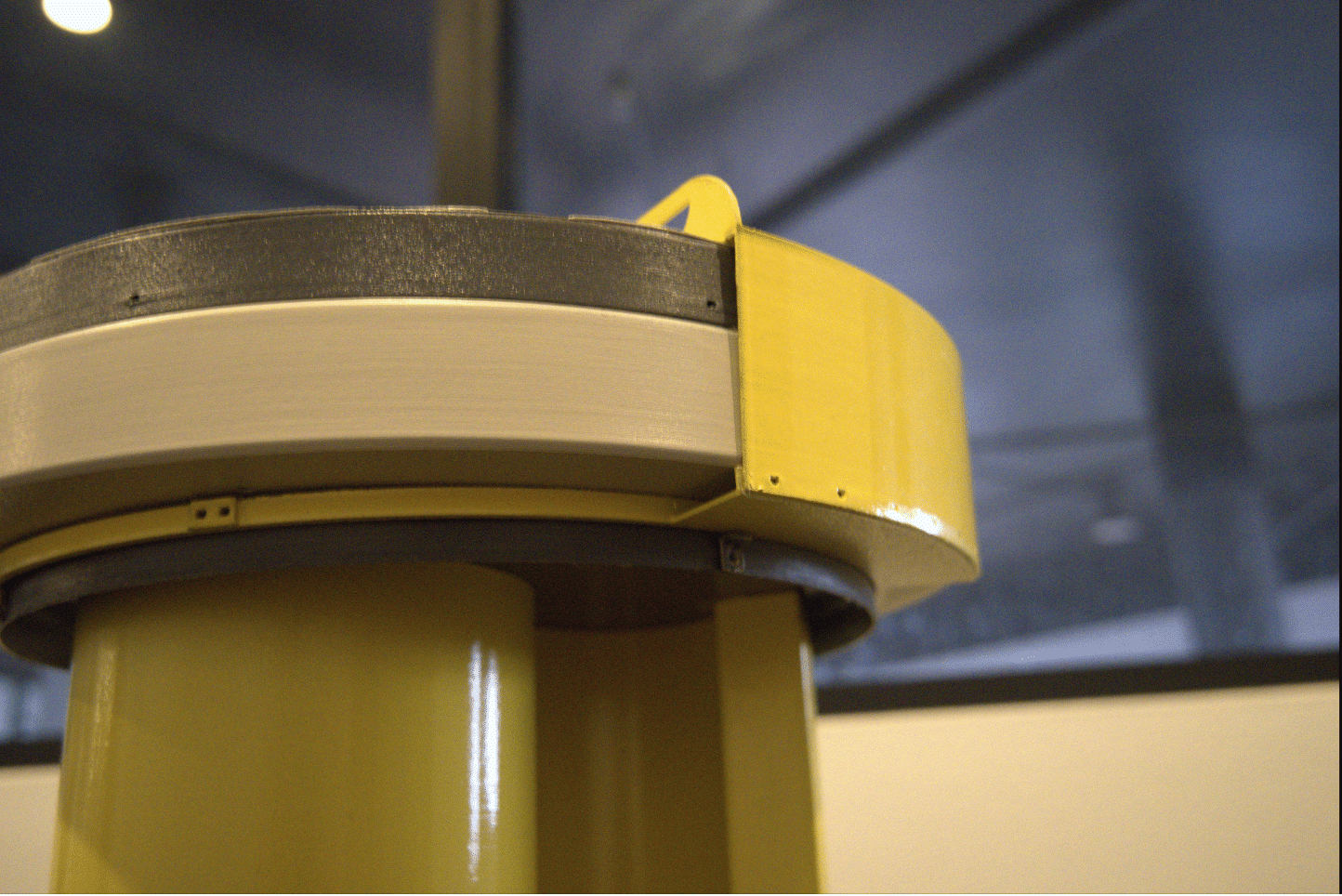
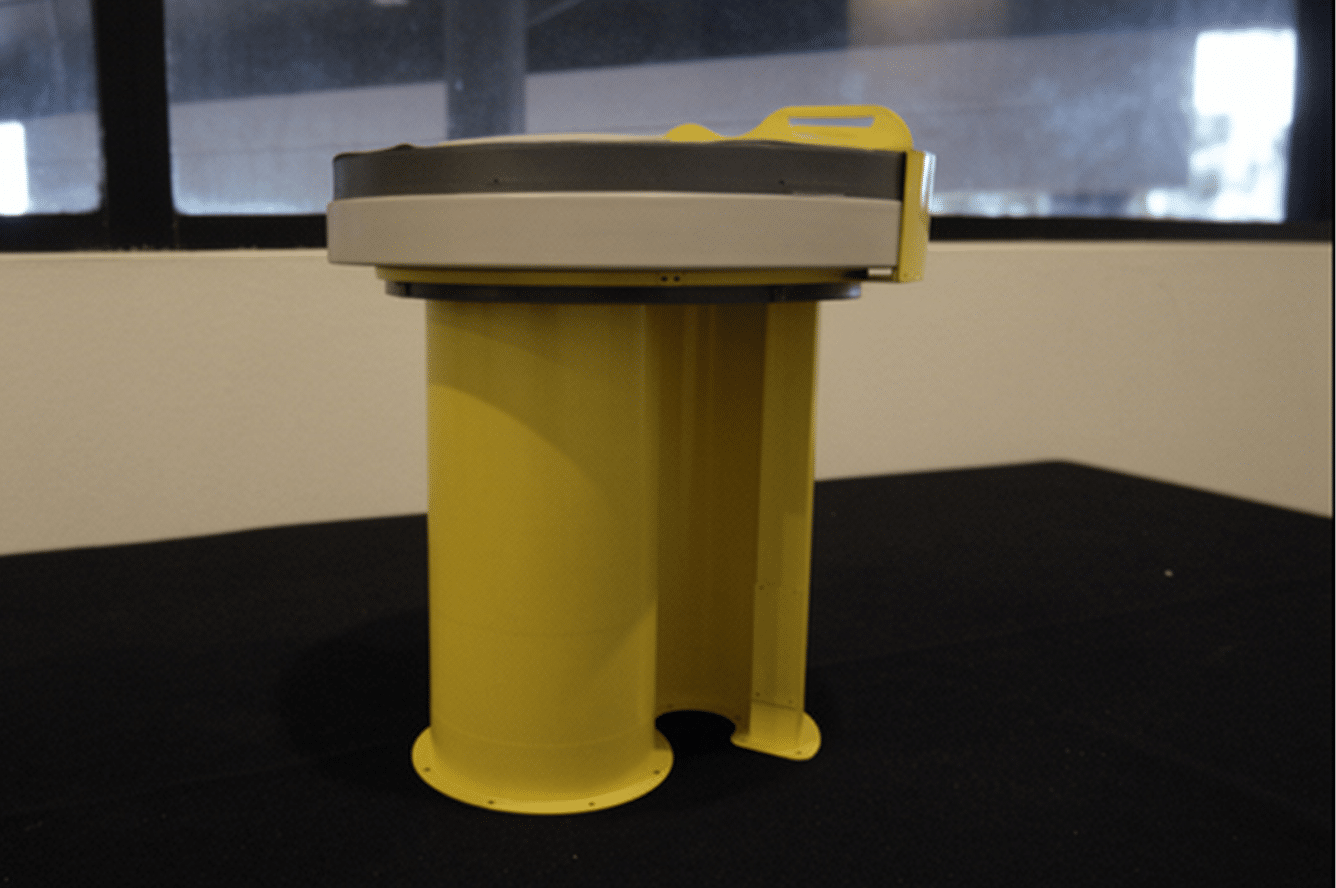
The pointer is designed to be modular but still durable. It is connected to ring that circles the upper side of the base to prevent easy tampering or lifting.
-
Safety Consideration
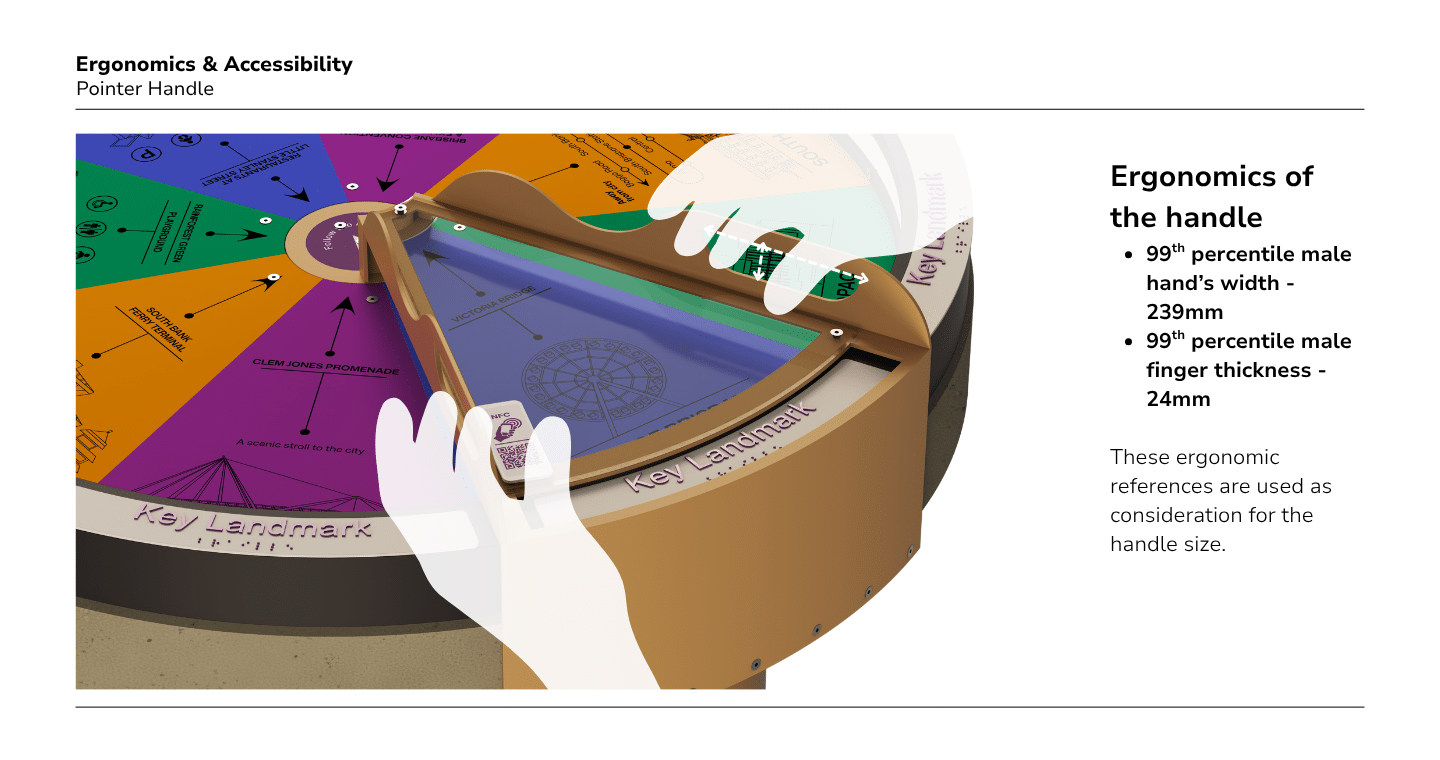
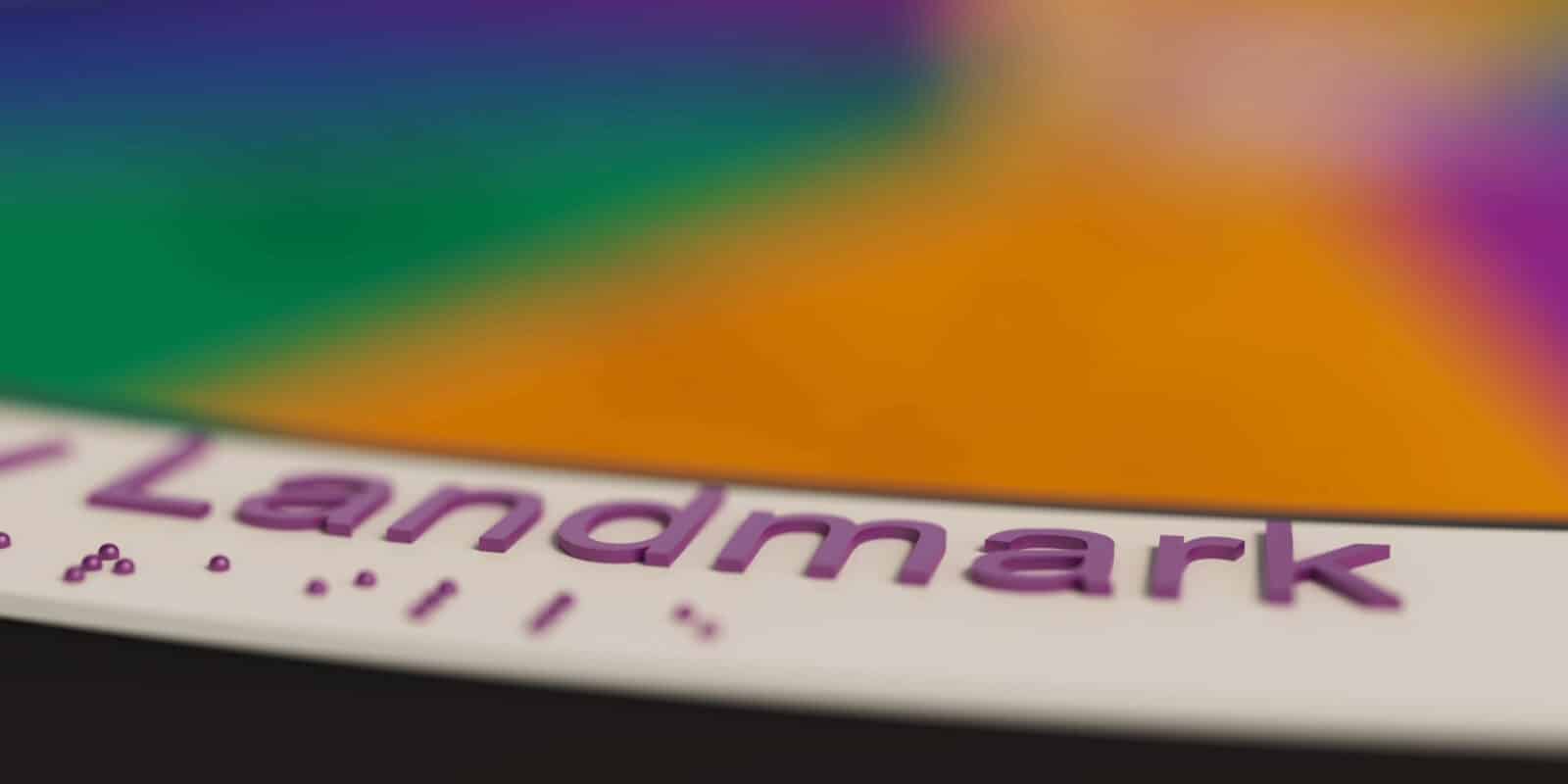
Rounded aluminium edges, controlled clearances, and designated grip areas on the pointer handles help minimise potential entrapment and pinch hazards during use.
-
Modular Construction
Modular design allows individual components to be maintained or replaced without replacing the entire structure.
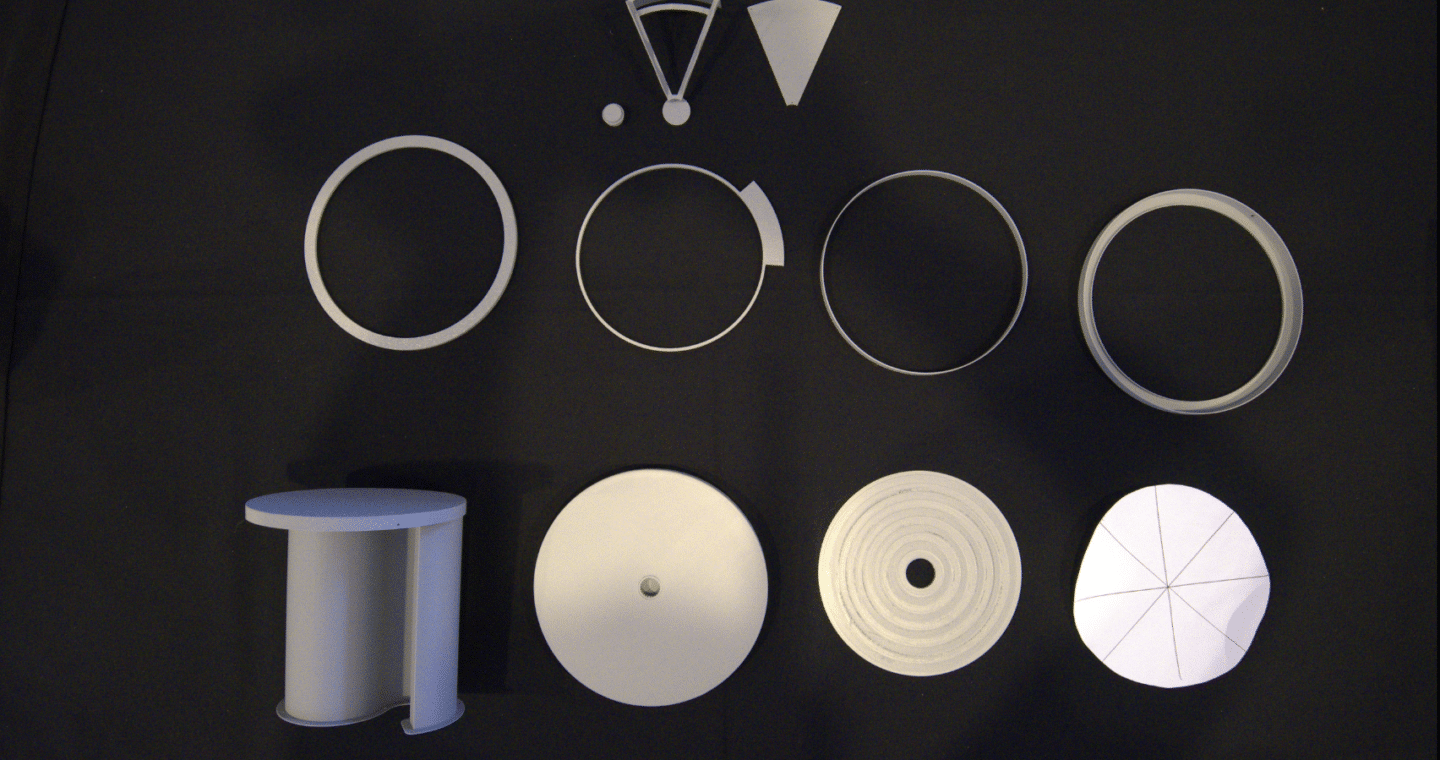
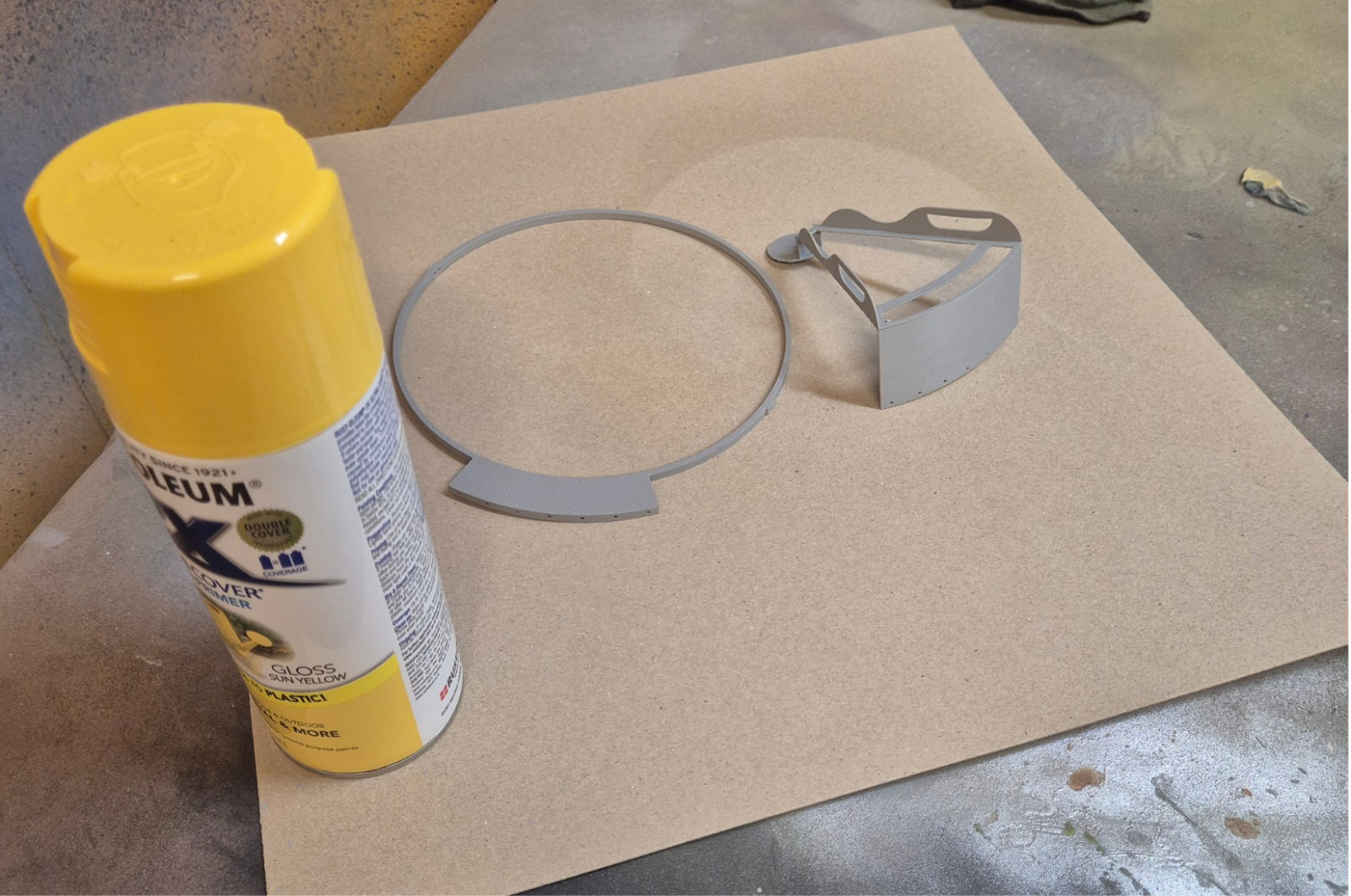
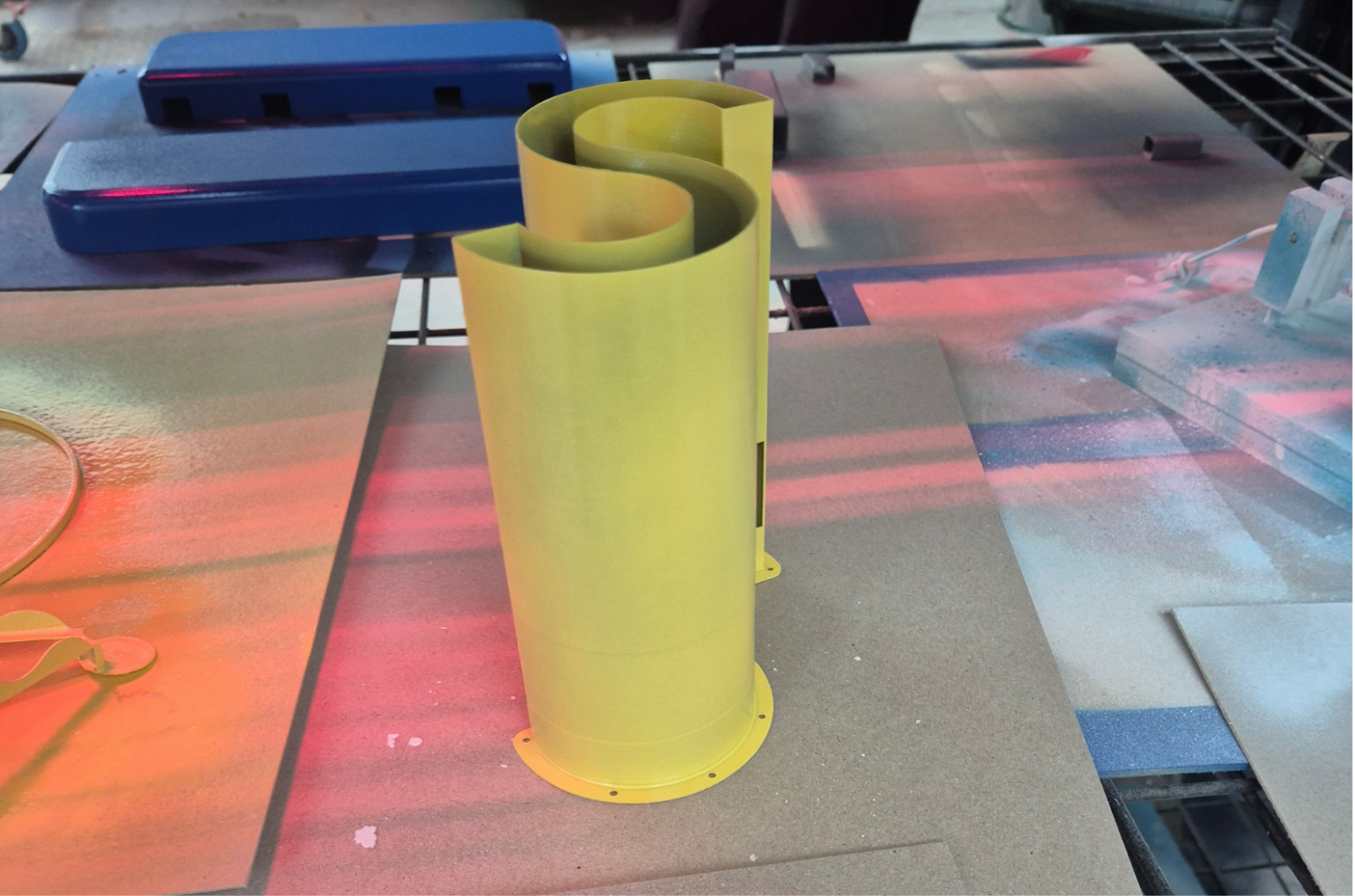
final model development & fabrication
future opportunities & conisderations
Michelle Fortune
Michelle is an emerging designer with a background in Industrial Design and International Business who enjoys solving real-world problems through people-focused design. Her work combines user research, prototyping, and visual communication to translate insights into practical design outcomes. Driven by curiosity and a desire to understand people's experiences, she is particularly interested in wayfinding, experiential design, and strategic design, with a focus on creating thoughtful solutions that improve everyday experiences and positively impact communities. Combining design and business perspectives, she values not only generating ideas but also understanding how projects are planned, coordinated, and delivered.